Selling on your own website is no longer enough. Today’s e-commerce businesses are expected to appear simultaneously on Amazon, eBay, Walmart, Etsy, and dozens of other marketplaces, with accurate inventory, consistent pricing, and quick order fulfillment.
The problem? Managing each marketplace independently leads to overselling, delayed shipments, manual data entry errors, and exhausted teams. A business processing 200 orders a day across multiple channels can waste 10-16 hours daily just on manual data entry alone.
That is where Odoo eCommerce marketplace integration changes everything.
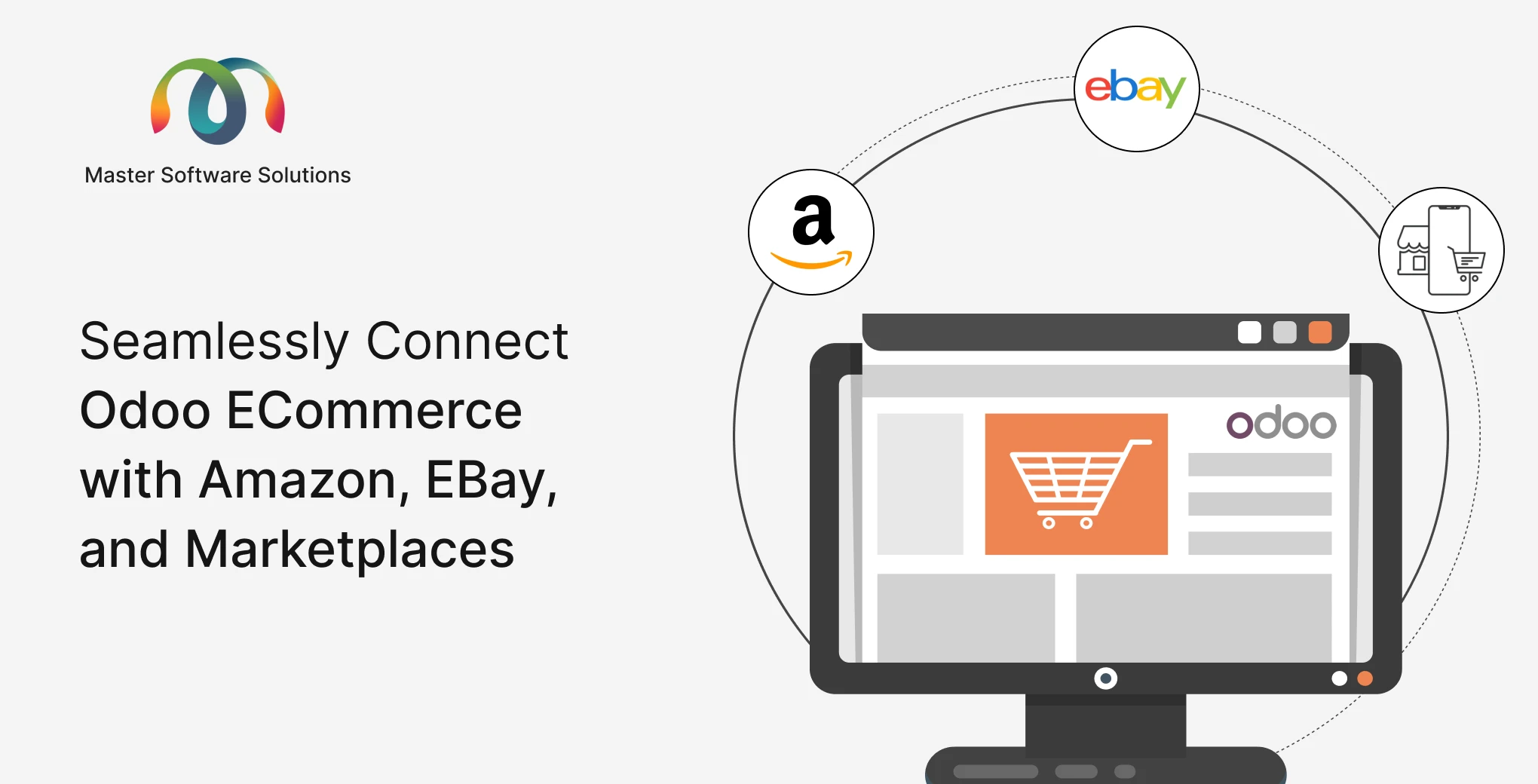
Odoo, the all-in-one open-source ERP, lets you connect your Odoo e-commerce store with Amazon, eBay, and other major marketplaces, syncing products, inventory, orders, and financials in real time from a single backend. No more tab-switching, no more spreadsheet juggling.
In this guide, we walk you through everything you need to know: how the integration works, what it syncs, the business benefits, and how to get started.
Ready to centralize your eCommerce operations? Talk to our Odoo integration experts and get a free consultation today.
What is Odoo eCommerce Marketplace Integration?
Odoo eCommerce marketplace integration connects your Odoo ERP backend to external sales channels, such as Amazon, eBay, Walmart, and Shopify, through dedicated connectors or APIs. Instead of managing each platform separately, every product listing, stock level, price change, and incoming order flows through Odoo as the single source of truth.
This means:
- A sale on Amazon automatically reduces your inventory in Odoo and triggers a delivery order
- A price update in Odoo pushes instantly to all connected marketplaces
- Customer data from eBay is captured directly in your Odoo CRM
- Invoices are generated automatically without human intervention
Odoo supports this through built-in connectors (Amazon and eBay) and third-party marketplace connector modules available in the Odoo Apps Store, covering platforms like Walmart, Etsy, Shopify, WooCommerce, and more.
Why Sell Across Multiple Marketplaces?
Before diving into the technical integration, it is worth understanding why multi-channel selling has become non-negotiable for e-commerce growth.
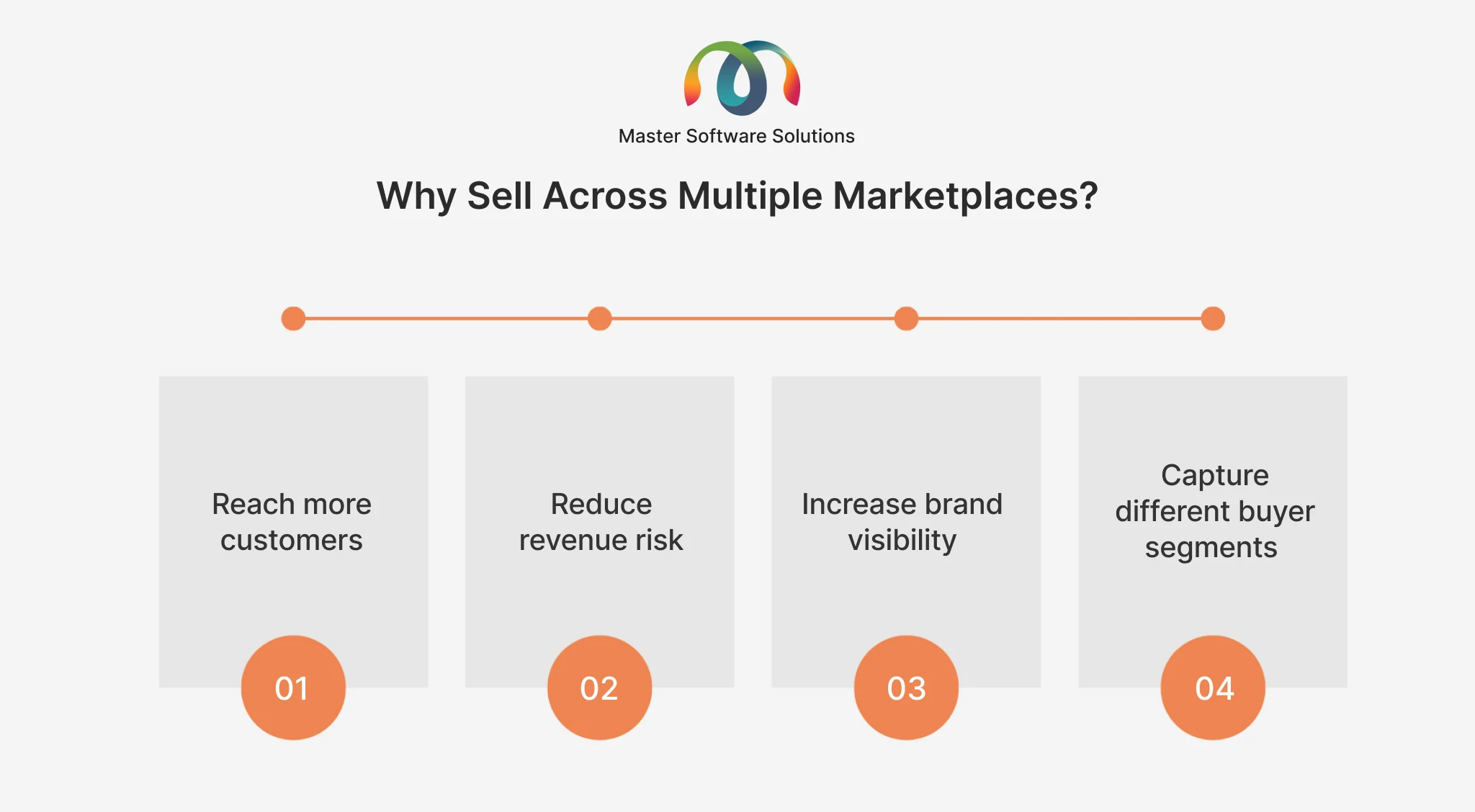
Reach more customers
Amazon alone has over 300 million active customer accounts globally. eBay adds hundreds of millions more. Being present on multiple platforms dramatically expands your addressable market.
Reduce revenue risk
Dependence on a single channel is fragile. Algorithm changes, policy violations, or platform outages can cripple a business overnight. Diversified channel presence insulates your revenue.
Increase brand visibility
Shoppers discover products across multiple platforms before deciding to buy. Appearing on Amazon, eBay, and your own store builds trust and increases conversion.
Capture different buyer segments
Amazon buyers expect Prime-speed delivery. eBay attracts deal-seekers and collectors. Walmart reaches a different demographic entirely. Each marketplace gives you access to distinct buyer behaviors.
The challenge, of course, is managing all of it without losing your mind, which is exactly what Odoo solves.
How Odoo Connects with Amazon
Amazon is the world’s largest eCommerce marketplace, and Odoo’s built-in Amazon Connector (available from Odoo 13 onward) makes integration straightforward.
What the Odoo Amazon Connector Does
Order synchronization
Amazon orders are automatically imported into Odoo as sales orders. Fulfillment, shipping confirmations, and tracking numbers are pushed back to Amazon without manual input.
Inventory sync
Stock levels in Odoo update Amazon listings in real time. If you sell your last 10 units through your Odoo eCommerce store, Amazon reflects the updated quantity immediately, preventing overselling.
FBA (Fulfilled by Amazon) support
If you use Amazon FBA, Odoo can manage FBA inventory separately from your own warehouse stock and route orders depending on the fulfillment type.
Product listing management
Create and manage Amazon product listings directly from Odoo, including ASIN mapping, pricing rules, and variation management.
Financial reconciliation
Amazon payouts are recorded against invoices in Odoo’s accounting module, with marketplace fees automatically calculated and logged.
Pricing control
Use Odoo pricelists to set Amazon-specific pricing that accounts for Amazon’s referral fees (typically 8-15% depending on category), ensuring your margins stay intact.
Learn more about Odoo’s native Amazon connector: Odoo Amazon Connector Overview.
Setting Up the Amazon Integration in Odoo
- Go to Settings > Odoo Apps and install the Amazon Connector module
- Navigate to Sales > Configuration > Amazon Accounts
- Authenticate your Amazon Seller Central account via SP-API
- Configure your product matching rules (by SKU or barcode)
- Set sync frequency and order import filters
- Map Amazon product categories to Odoo internal categories
- Run a test sync and validate order and inventory data
For complex Amazon setups, including multiple marketplaces (US, UK, & EU), FBA + FBM hybrid, or custom pricing logic, our Odoo customization services can tailor the connector to your exact workflow.
Want a configured Amazon-Odoo integration without the guesswork? Contact Master Software Solutions for expert setup and support.
How Odoo Connects with eBay
eBay integration in Odoo works through the eBay Connector, which handles the full listing and order lifecycle between both platforms.
What the Odoo eBay Connector Does
- Listing sync: Products created in Odoo can be listed directly on eBay, with titles, descriptions, images, categories, and item specifics mapped from Odoo product fields.
- Order import: When an item sells on eBay, Odoo creates a draft sales order for review and confirmation. Once confirmed, the fulfillment workflow, including pick, pack, and ship, proceeds inside Odoo.
- Inventory management: Stock levels stay synchronized between Odoo and eBay. Buffer logic can be applied to reserve a safety stock and prevent overselling across channels.
- Price sync: Instantly update pricing in Odoo and push changes to eBay. You can configure eBay-specific price rules to account for eBay’s final value fees.
- Multiple eBay store support: Manage multiple eBay stores from a single Odoo instance, each with its own OAuth credentials and store-specific pricing overrides.
- Returns and refunds: eBay return requests can be tracked and processed through Odoo, keeping your return management centralized.
Reference: Odoo eBay Connector Setup Documentation
Setting Up the eBay Integration in Odoo
- Install the eBay connector from Odoo Apps
- Go to Sales > Configuration > eBay Setup
- Connect via eBay OAuth and authorize your seller account
- Map Odoo products to existing eBay listings or create new ones
- Configure synchronization rules for orders, inventory, and pricing
- Set up automated stock updates and order confirmation workflows
As with Amazon, eBay setups with large catalogs, category-specific templates, or multi-store management benefit from professional Odoo implementation services.
Beyond Amazon and eBay: Other Marketplaces Odoo Can Connect To
Odoo’s marketplace connectivity does not stop at Amazon and eBay. Through the Odoo App Store and third-party connectors, you can integrate the following:
- Walmart: Sync Walmart Marketplace listings, orders, and inventory with Odoo for one of the fastest-growing US eCommerce platforms.
- Shopify: Connect your Shopify storefront to Odoo ERP for unified inventory, order management, and customer data, while retaining Shopify’s front-end experience.
- WooCommerce: If your website runs on WordPress + WooCommerce, Odoo can serve as the back-office ERP while WooCommerce handles the storefront.
- Etsy: Ideal for artisan and handmade product sellers, Etsy-Odoo integration keeps your craft marketplace orders in sync with your inventory.
- Lazada, Noon, and Flipkart: Region-specific marketplace connectors are available for Southeast Asian, Middle Eastern, and South Asian markets.
- Google Shopping & Facebook Shops: Product feed integrations automatically push your Odoo catalog to Google Shopping and Facebook/Instagram storefronts.
The right combination of marketplace connectors depends on your geography, product category, and customer segments. Our Odoo consulting services help you identify the highest-ROI channels for your business.
Core Features of Odoo Marketplace Integration
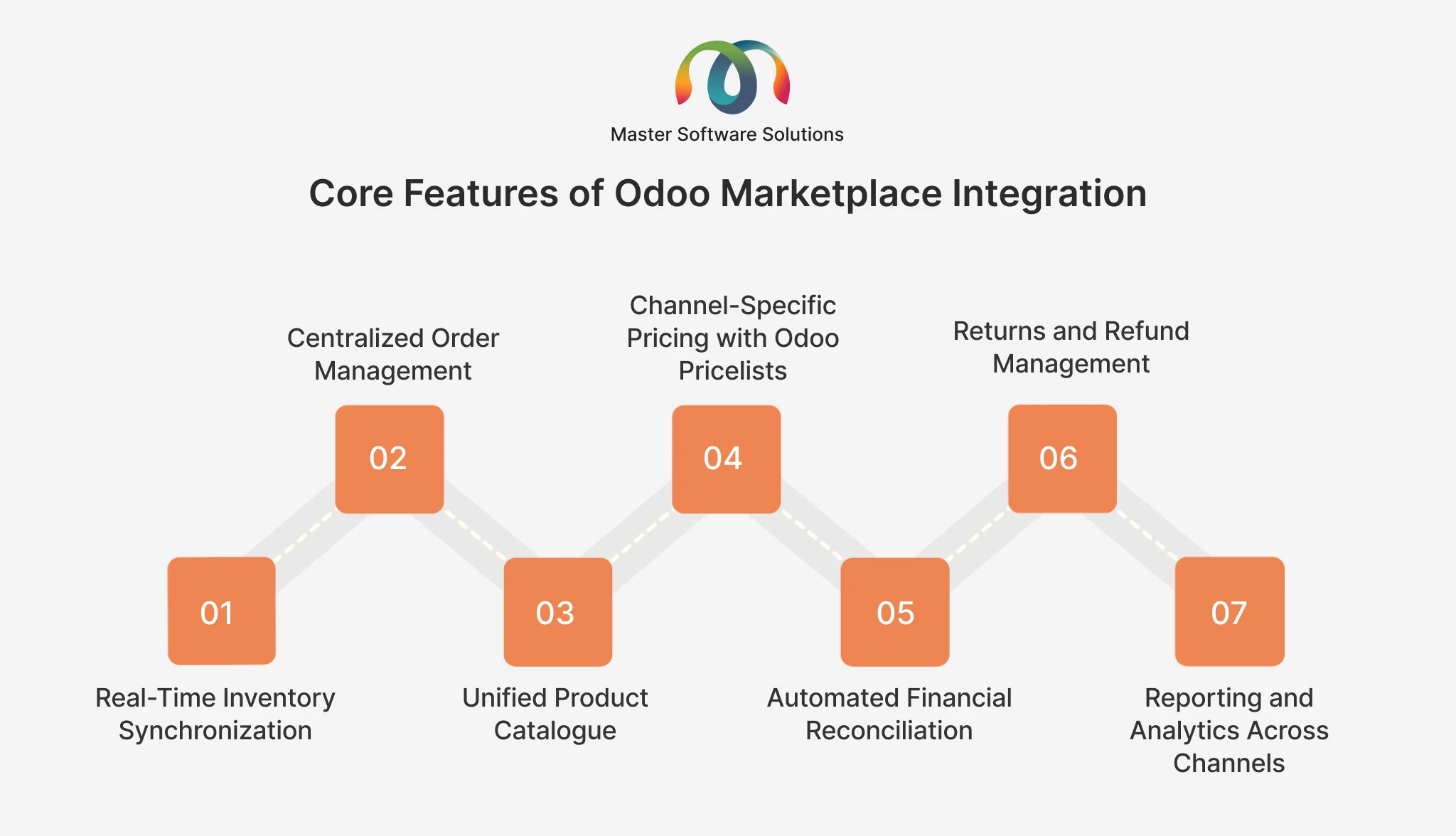
Real-Time Inventory Synchronization
Inventory is synced across all channels the moment a sale is made, a return is processed, or a stock adjustment is entered. Odoo acts as the master inventory system, eliminating the overselling disasters that plague businesses managing platforms separately.
Centralized Order Management
Every order from Amazon, eBay, your own Odoo eCommerce store, or any other connected channel lands in a single Odoo order queue. Your warehouse team picks, packs, and ships from a single system regardless of where the sale originated.
Unified Product Catalogue
Manage all product information, including titles, descriptions, images, variants, dimensions, and weight, in Odoo once. Push updates to all connected marketplaces simultaneously. Maintain channel-specific overrides where needed (e.g., different titles optimized for Amazon SEO vs. eBay SEO).
Channel-Specific Pricing with Odoo Pricelists
Use Odoo’s powerful pricelist engine to set marketplace-specific prices that account for platform fees. A product priced at $50 on your own store might list at $58 on Amazon (covering the ~15% referral fee) and $55 on eBay. All managed from one pricelist interface.
Automated Financial Reconciliation
Sales from all channels are recorded in Odoo’s accounting module. Marketplace fees, taxes, and shipping costs are tracked per channel. Month-end reconciliation, once a multi-day ordeal, becomes an automated report.
Returns and Refund Management
Returns initiated on Amazon or eBay are tracked in Odoo, triggering reverse logistics workflows and generating a credit note. Full visibility into return reasons helps you quickly identify product quality or listing issues.
Reporting and Analytics Across Channels
Odoo’s reporting dashboards show sales performance, inventory turnover, and margin analysis broken down by channel. Instantly see which marketplace is your most profitable and where to focus your growth efforts.
Business Benefits of Connecting Odoo with Marketplaces
Eliminate manual data entry
Businesses processing 200+ daily orders save 10–16 hours of manual entry per day. That is staff time redirected to growth, not administration.
Prevent stockouts and overselling
Real-time inventory sync across all channels means you never sell what you do not have, protecting your seller metrics and customer trust on every platform.
Scale without adding headcount
As your order volume grows, Odoo’s automation scales with you. You do not need to hire more operations staff to handle more channels.
Improve fulfillment speed
Automated order routing and warehouse workflows reduce the time from customer purchase to shipment, critical for maintaining Amazon seller ratings and eBay feedback scores.
Gain margin visibility
When all channel revenue and costs are consolidated in Odoo, you can clearly see which marketplaces are profitable and which are eating into your margins through fees.
Maintain listing compliance
Marketplace listing policies change frequently. Managing Odoo listings provides a structured approach to ensuring product data accuracy and compliance across all channels.
How to Implement Odoo Marketplace Integration: A Step-by-Step Overview
A typical Odoo marketplace integration project follows this structured path:
Phase 1: Discovery & Planning (1-2 weeks)
Audit your current tech stack, catalog size, order volumes, and channel mix. Identify which marketplaces to integrate in Phase 1 vs. future phases. Define data mapping rules (SKUs, categories, pricing logic).
Phase 2: Connector Setup & Configuration (2-4 weeks)
Install and configure marketplace connectors. Set up product mapping, pricing rules, inventory sync logic, and order routing. Connect marketplace accounts via API/OAuth.
Phase 3: Data Migration & Catalogue Sync (1-2 weeks)
Migrate the existing product catalog into Odoo (if not already there). Perform initial sync to push products and inventory levels to all connected marketplaces.
Phase 4: Testing & Validation (1 week)
Run end-to-end test orders across each marketplace. Validate inventory deductions, order creation, fulfillment triggers, and financial posting in Odoo.
Phase 5: Go-Live & Hypercare (1 week)
Switch from manual processes to automated Odoo workflows. Monitor closely for the first week with dedicated support.
Phase 6: Optimization & Expansion
Analyze performance reports. Add additional marketplaces, refine pricing rules, and expand automation based on operational learnings.
A 3-marketplace integration (e.g., Amazon + eBay + your own Odoo eCommerce store) typically takes 4–8 weeks from kickoff to go-live.
Looking to start your integration project? Our team at Master Software Solutions has delivered Odoo integrations for eCommerce businesses across various departments, including retail, distribution, and manufacturing. Get a free project scoping session.
Common Challenges in Odoo Marketplace Integration (And How to Solve Them)
Challenge: SKU mismatches between platforms
Solution: Establish a master SKU schema in Odoo before integration. Use Odoo’s product reference fields to map existing marketplace identifiers without restructuring your catalog. This is more common than teams expect — duplicate internal references in Odoo were the root cause behind Aquatech’s failing Odoo–WooCommerce product sync, which we fixed with a full catalog audit and a one-to-one reference mapping.
Challenge: Marketplace-specific listing requirements
Solution: Amazon and eBay each have unique mandatory fields (ASINs, item specifics, category-specific attributes). Use Odoo’s product attribute system to capture these values and map them correctly during listing sync.
Challenge: FBA vs. FBM inventory separation
Solution: Configure separate Odoo warehouses or stock locations for FBA and FBM inventory. Order routing rules automatically assign fulfillment type based on the order source and product flags.
Challenge: Tax compliance across regions
Solution: Odoo’s fiscal position system handles tax rules per country and marketplace. For US sellers, Marketplace Facilitator Tax rules (where Amazon collects and remits sales tax) can be configured to avoid double taxation in your accounting.
Challenge: Connector performance at high order volumes
Solution: At 1,000+ daily orders, connector scheduling and queue management become critical. Our Odoo development services can optimize sync performance and implement custom queuing logic for high-volume operations.
Odoo eCommerce Marketplace Integration: Industries That Benefit Most
Our eCommerce industry practice has helped businesses across these sectors implement Odoo marketplace integration:
- Retail & Consumer Goods: Apparel, electronics, & home goods, managing hundreds of SKUs across Amazon and eBay with seasonal pricing
- Distribution: Wholesale distributors using eBay as a B2C liquidation channel alongside their Odoo B2B operations
- Manufacturing: Manufacturers selling direct-to-consumer via Amazon while managing Odoo-based production and procurement
- FMCG: Fast-moving consumer goods brands managing expiry-sensitive stock across multiple channels with FEFO inventory logic
Conclusion: One Backend. Every Marketplace.
The future of e-commerce is multichannel, but that does not mean multi-complicated. With Odoo as your central ERP, you get a single backend that talks to Amazon, eBay, and every other marketplace you sell on, keeping inventory accurate, orders flowing, and finances clean without the manual overhead.
Whether you are just starting to expand beyond your own website or already managing thousands of daily orders across multiple channels and drowning in operational complexity, Odoo marketplace integration is the infrastructure layer that enables sustainable growth.
Master Software Solutions is an Odoo partner specializing in eCommerce integration, implementation, and customization. We have helped businesses across retail, distribution, and manufacturing connect their Odoo ERP to major marketplaces, reducing operational costs and enabling faster, more confident scaling.
Ready to connect your Odoo eCommerce with Amazon, eBay, and beyond? Schedule a Free Consultation. Our Odoo integration specialists will map out your ideal multi-channel architecture at no cost.