If your business runs on Odoo SH (Odoo.sh), there is a platform change you cannot afford to ignore. Odoo has officially reduced the lifespan of staging branches from 90 days to 30 days.
For companies managing standard, low-complexity Odoo setups, this may feel like a minor adjustment. For those running enterprise-grade ERP customizations, multi-phase implementations, UAT cycles, or complex third-party integrations, this is a significant operational shift that demands immediate attention.
At Master Software Solutions, we work with businesses across manufacturing, food and beverage, logistics, distribution, and e-commerce, helping them build, maintain, and optimize Odoo environments.
We have seen firsthand how staging environments function not as temporary sandboxes but as critical pillars of ERP delivery. This guide explains the change, why it matters, what subtopics the broader Odoo community is not discussing enough, and exactly what your team should do to stay ahead.
Understanding Odoo.sh and Its Branch Structure
Before unpacking what the retention change means, it helps to understand how Odoo.sh organizes environments. Odoo.sh is Odoo’s cloud hosting platform designed for custom development and enterprise deployments.
It operates on a three-branch model:
- Production Branch: Your live, customer-facing environment. Always active, never expires.
- Staging Branches: Clones of production used for testing, UAT, and validation. These are the branches affected by the new 30-day retention policy.
- Development Branches: Used by developers to write and test code before promoting it to staging or production.
- Key distinction: The 30-day expiration applies to staging branches. Your production database and automated backups remain unaffected. However, if staging branches expire unexpectedly, active testing workflows, integration validations, and user acceptance cycles can be disrupted.
For a deeper understanding of how Odoo.sh manages builds and environments, visit the official Odoo.sh documentation.
What Changed in Odoo SH Staging Branch Retention
Odoo has officially announced that staging branches in Odoo.sh will now expire after 30 days instead of 90 days. The stated reason is infrastructure optimization: many organizations were using staging environments as semi-permanent infrastructure, increasing storage consumption and platform overhead across Odoo.sh.
Here is a quick comparison of what changed:
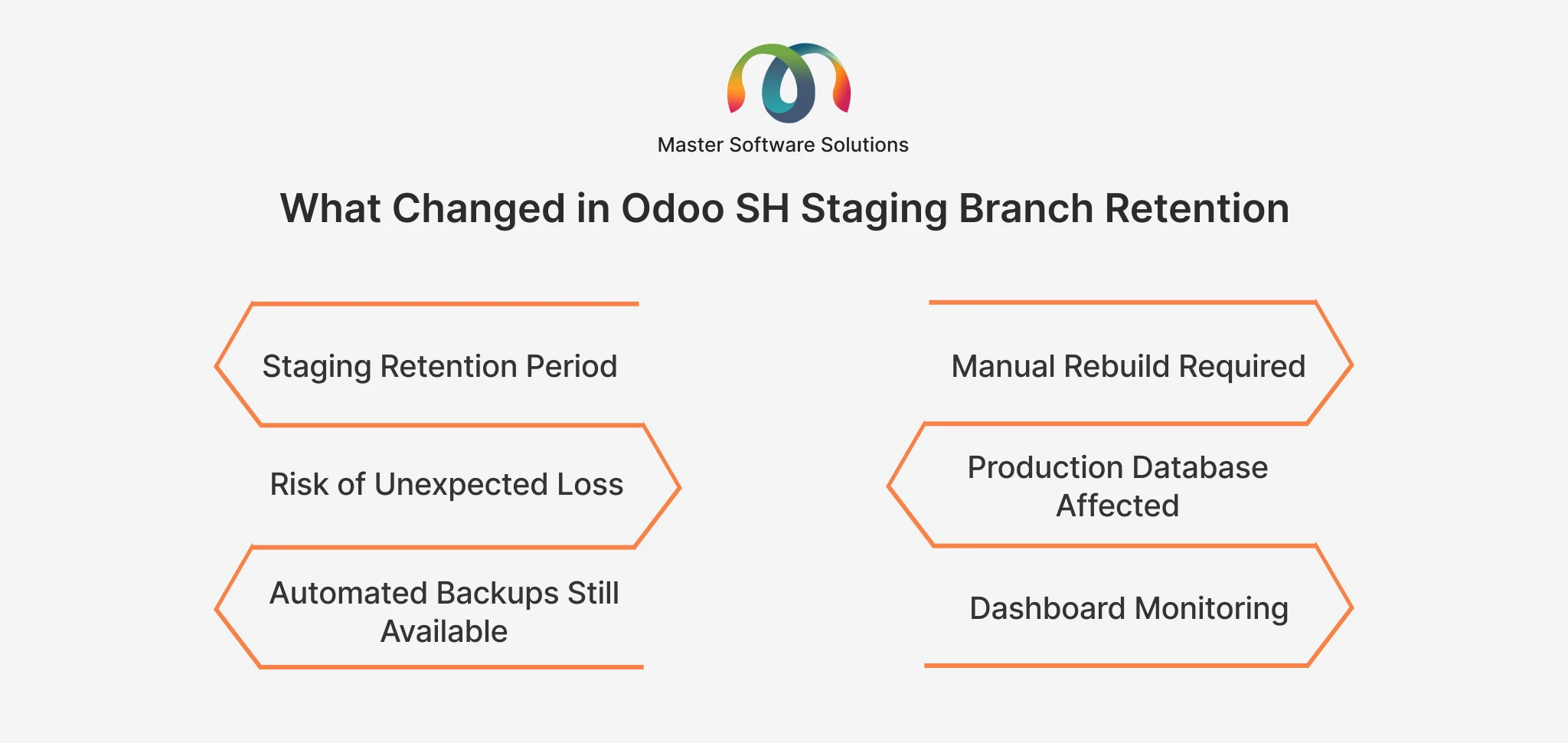
- Staging retention period: was 90 days, now 30 days
- Manual rebuild required: previously not needed for long-lived branches, now required every 30 days
- Risk of unexpected loss: low before, high if unmanaged now
- Production database affected: No (unchanged)
- Automated backups still available: Yes (unchanged)
- Dashboard monitoring: optional before, now essential
Existing staging branches operating under the previous 90-day policy began receiving system warnings around May 2026, with many scheduled for deletion at the end of that month. If your organization has not acted yet, this is urgent.
Is Your Staging Environment at Risk? Don’t wait for an expiration warning to disrupt your active Odoo project. Get a free audit of your Odoo.sh environment today. Talk to an Odoo Expert at Master Software Solutions
Why a 30-Day Staging Window Is a Problem for Enterprise Odoo Projects
Most real-world Odoo ERP deployments do not fit into a 30-day testing cycle. Here is why the reduced retention period creates genuine operational risk:
Enterprise Implementation Timelines Are Longer
Manufacturing ERP rollouts, warehouse automation projects, multi-company deployments, and complex accounting migrations routinely span three to twelve months. Staging environments in these contexts are not temporary; they are the backbone of the delivery process.
User Acceptance Testing Requires Extended Cycles
UAT is not a single sprint. It involves multiple rounds of feedback from finance, operations, logistics, and leadership teams. A forced 30-day expiration can interrupt testing mid-cycle, requiring teams to rebuild and restore data before they can continue.
Custom Module Development Cannot Always Meet 30-Day Sprints.
Businesses with Odoo customization service requirements often have modules under development that span multiple sprint cycles. An expiring staging branch means losing the active test environment for code that is still being built and validated.
Third-Party Integration Testing Demands More Time
Integrating Odoo with e-commerce platforms, WMS systems, EDI providers, payment gateways, or external APIs requires comprehensive validation. These integrations cannot always be fully tested within a single 30-day window, particularly when the third-party system has its own testing cycles and approval gates.
Regulated Industries Face Compliance Validation Requirements
Industries such as food and beverage, healthcare, and pharmaceutical manufacturing often require formal validation cycles for ERP changes. These cycles are governed by regulatory timelines, not development team sprints.
Industry-Specific Impact: Who Is Most at Risk
The 30-day change affects some industries and project types disproportionately:
Manufacturing ERP deployments: Multi-site production configurations, BOM testing, and MRP validation typically require extended staging windows.
Logistics and distribution: Testing for route optimization, warehouse automation, and carrier integration frequently takes longer than a 30-day cycle.
Food and beverage: Lot traceability, HACCP compliance workflows, and expiry management require exhaustive testing before production go-live.
E-commerce integrations: Syncing Odoo with Shopify, WooCommerce, or Magento requires staging parity with live storefronts, which evolve independently.
Multi-company Odoo setups: Testing intercompany transactions, consolidated reporting, and shared inventory models is inherently complex and time-intensive.
The Cost and Risk Impact of Unmanaged Staging Expiration
An expired staging branch does not just mean a lost environment. It can translate into real business costs:
- Re-testing effort: If testing data, configurations, and integration settings are lost, teams must spend hours or days recreating the staging state.
- Delayed go-live: Lost staging environments can push back project timelines, increasing implementation costs and delaying ROI.
- Business disruption: For companies running UAT alongside production operations, staging disruptions can halt training, parallel-run testing, and deployment planning.
- Data reconstruction cost: Rebuilding a staging environment from scratch, including test data migration, dummy transactions, and integration re-configuration, has a tangible labor cost.
Note: A single re-run of a full UAT cycle in a medium-complexity Odoo project can take 20 to 40 hours of combined effort from functional consultants, developers, and business users. Proactive staging management is far cheaper than reactive recovery.
What Odoo Users Should Do Right Now: A Step-by-Step Action Plan
Step 1: Audit All Active Staging Branches
Log in to your Odoo.sh dashboard and review every active staging branch. Note the creation date, last rebuild date, and which ongoing project or initiative each branch supports. Branches approaching 30 days need immediate attention.
Step 2: Download Critical Backups Before Expiration
Odoo.sh maintains daily, weekly, and monthly automated backups for staging environments. Before any branch reaches its expiration threshold, manually download database dumps from the staging build backup menu. This is non-negotiable for projects with extended UAT cycles, integration testing, or custom development that may need to resume later.
Step 3: Rebuild Expiring Staging Branches Proactively
Staging branches can be rebuilt directly from Odoo.sh using the Rebuild option. When a staging branch is rebuilt, the underlying codebase and server configuration are preserved. The rebuild creates a fresh environment from the same GitHub branch, resetting the 30-day clock. This should now be a scheduled, recurring maintenance task for any active project.
Step 4: Restore Data Where Needed
If your team requires continuity of test data, UAT records, or validation states from the previous staging build, upload the downloaded backup into the newly rebuilt staging database. This allows work to continue without losing the contextual data your team has accumulated.
Step 5: Integrate Staging Rebuilds Into Your CI/CD Pipeline
For organizations with automated deployment workflows, staging branch rebuilds should be incorporated into the CI/CD pipeline. Automated rebuild triggers tied to branch activity or scheduled intervals eliminate the risk of manual oversight failures. Tools such as GitHub Actions can trigger Odoo.sh rebuild operations via the Odoo.sh API.
Step 6: Reevaluate Your Deployment and QA Workflow
The 30-day limit is now a hard constraint on your development and testing strategy. Teams should review release cadences, QA timelines, sprint planning, and documentation practices to ensure that staging environments remain operational during critical project phases.
Step 7: Monitor Odoo.sh Dashboard Proactively
The Odoo.sh dashboard is now the control center for staging lifecycle management. Teams should monitor it routinely for build expiration timelines, backup availability, and rebuild status. Build monitoring into your project governance cadence, not just your technical workflows.
Need Help Reviewing Your Odoo.sh Environment? Our certified Odoo consultants can audit your staging strategy, set up automated rebuild workflows, and ensure your project timelines stay on track. Get a Free Odoo.sh Environment Review
Best Practices for Odoo.sh Staging Branch Management in 2026
Beyond the immediate action items, organizations running Odoo SH should adopt these practices as permanent operational standards:
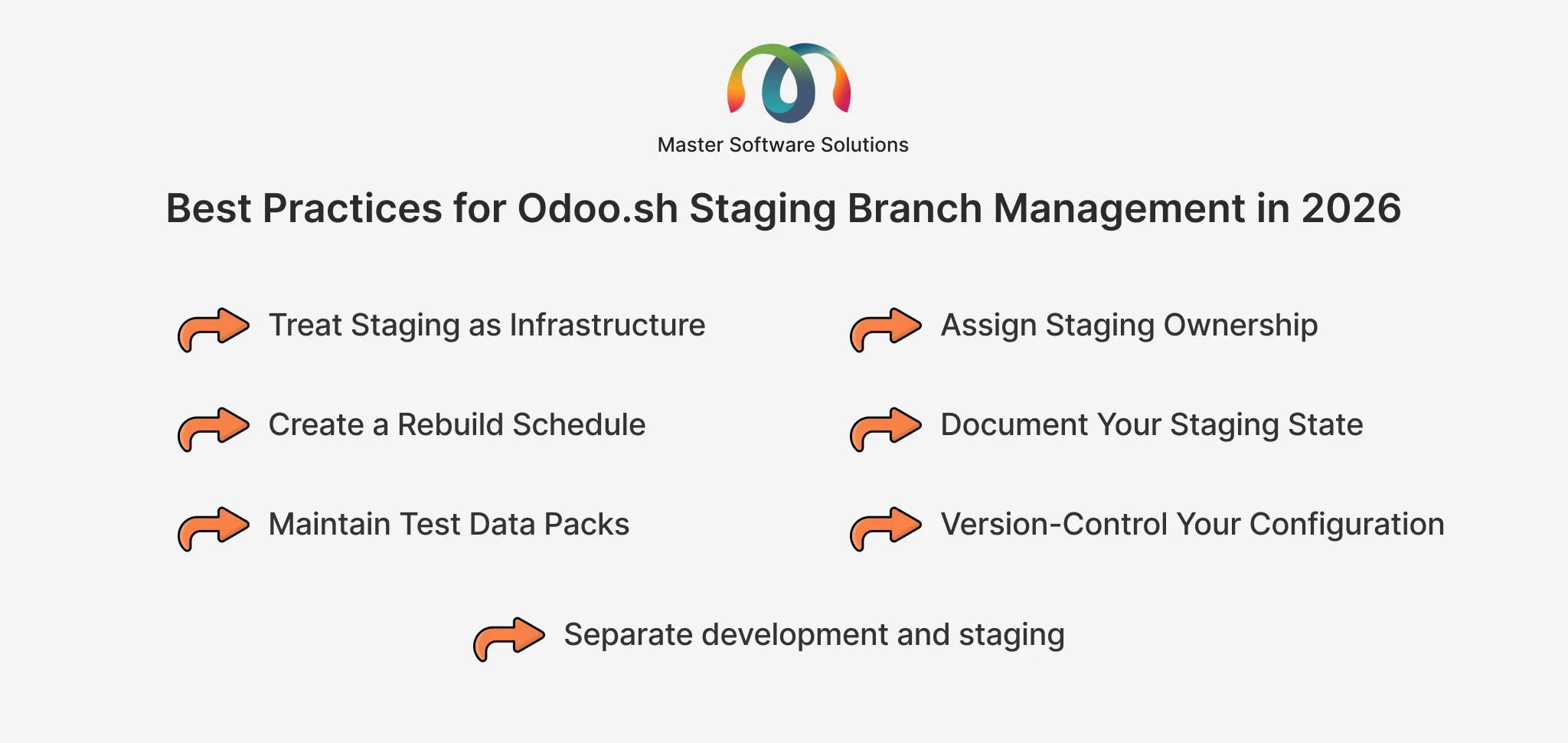
Treat staging as infrastructure, not an afterthought.
Include staging lifecycle management in project plans, sprint reviews, and governance frameworks.
Assign staging ownership.
Designate a team member or partner as the point of contact for monitoring and maintaining staging environments throughout the project’s lifecycle.
Create a rebuild schedule.
For long-running projects, schedule staging rebuilds at 21-day intervals (one week before the 30-day limit) to ensure continuity.
Document your staging state.
Before each rebuild, document the current testing state, outstanding issues, and data configurations so work can resume efficiently after restoration.
Maintain test data packs.
Build reusable test data packages for common UAT scenarios so environments can be re-populated quickly after a rebuild.
Version-control your configuration.
Keep Odoo configuration settings, custom module states, and integration credentials documented and version-controlled so staging environments can be reproduced reliably.
Separate development and staging.
Do not use the same branch for active development and user testing. Keep a dedicated, stable staging branch that is rebuilt on schedule, separate from the development branch.
How This Affects Odoo Version Upgrade Projects
Organizations currently planning or executing Odoo version upgrades face compounded challenges under the new retention policy. Upgrade projects typically involve parallel staging environments where the upgraded version is tested alongside the current production system.
With a 30-day expiration, teams upgrading from V16 or older versions must build explicit checkpoint management into their upgrade roadmap. If you are navigating Odoo’s new version pricing changes, the Odoo 25% legacy surcharge for V16 and below is creating additional urgency around upgrade timelines. Managing both the pricing deadline and staging branch retention adds complexity that requires coordinated planning.
Note: Upgrade staging environments require the same proactive rebuild discipline as implementation staging environments. Schedule rebuilds as part of your upgrade sprint planning, not as reactive fixes.
What This Means for Odoo Implementation Partners
For Odoo implementation partners managing multiple client environments, the 30-day retention change is an operational overhead multiplier. Partners should audit their current project portfolio, identify staging branches approaching expiration, and implement rebuild schedules and monitoring practices. Partners should communicate this change proactively to clients who are unfamiliar with Odoo.sh operations and guide Odoo support and maintenance services, including staging environment management.
Post-Go-Live Staging: Why the Need Does Not End at Launch
Many organizations assume that staging environments become less important after production go-live. In practice, the opposite is often true. Post-go-live staging branches are critical for:
- Testing patches, hotfixes, and minor version updates before applying to production.
- Validating new module installations or configuration changes in a safe environment.
- Running regression tests after any customization change to ensure no unintended side effects.
- Training new users and administrators without risking production data integrity.
- Developing and testing new workflow automations or integrations requested by the business.
For a detailed breakdown of what proactive post-go-live support should look like and what SLAs you should expect from your implementation partner, read our guide on Post-Go-Live Odoo Support and SLAs.
Odoo.sh Staging Branch Retention Checklist
Use this checklist to assess your current staging posture and take corrective action:
- Log in to Odoo.sh. The dashboard reviews all active staging branches.
- Check creation and last rebuild dates for every staging branch.
- Identify branches within 10 days of the 30-day expiration threshold.
- Download manual database backups for all critical staging environments.
- Rebuild branches that are approaching expiration.
- Restore testing data from backup if continuity is required.
- Set a recurring calendar reminder to rebuild staging branches every 21 days.
- Update your project management workflow to include staging rebuild tasks.
- Communicate the change to all project stakeholders, including client-side teams.
- Review your CI/CD pipeline and assess the feasibility of automated rebuild triggers.
Not Sure Where to Start? We Can Help. Master Software Solutions offers end-to-end Odoo support, including environment audits, staging management, and proactive maintenance services. Let’s protect your project. Request a Free Odoo Environment Consultation
Final Thoughts
The Odoo SH staging branch retention reduction from 90 days to 30 days is not a catastrophic platform change. But for businesses running complex ERP environments, it is a meaningful operational shift that changes how development, testing, and deployment pipelines must be managed.
The organizations least affected will be those with disciplined deployment practices, active monitoring routines, and experienced Odoo implementation partners who treat staging lifecycle management as a first-class concern. The organizations most at risk are those treating staging branches as set-and-forget infrastructure.
At Master Software Solutions, we help businesses navigate exactly these kinds of platform changes, building ERP governance practices that protect project continuity and reduce operational risk. Whether you need a staging environment audit, CI/CD integration support, or a comprehensive Odoo support and maintenance arrangement, we are here to help.
Ready to Protect Your Odoo Investment? Contact Master Software Solutions today for a free consultation on Odoo.sh environment management, staging best practices, and ongoing support. Get in Touch with Our Odoo Team