One-Click AI Summary (No Reload)
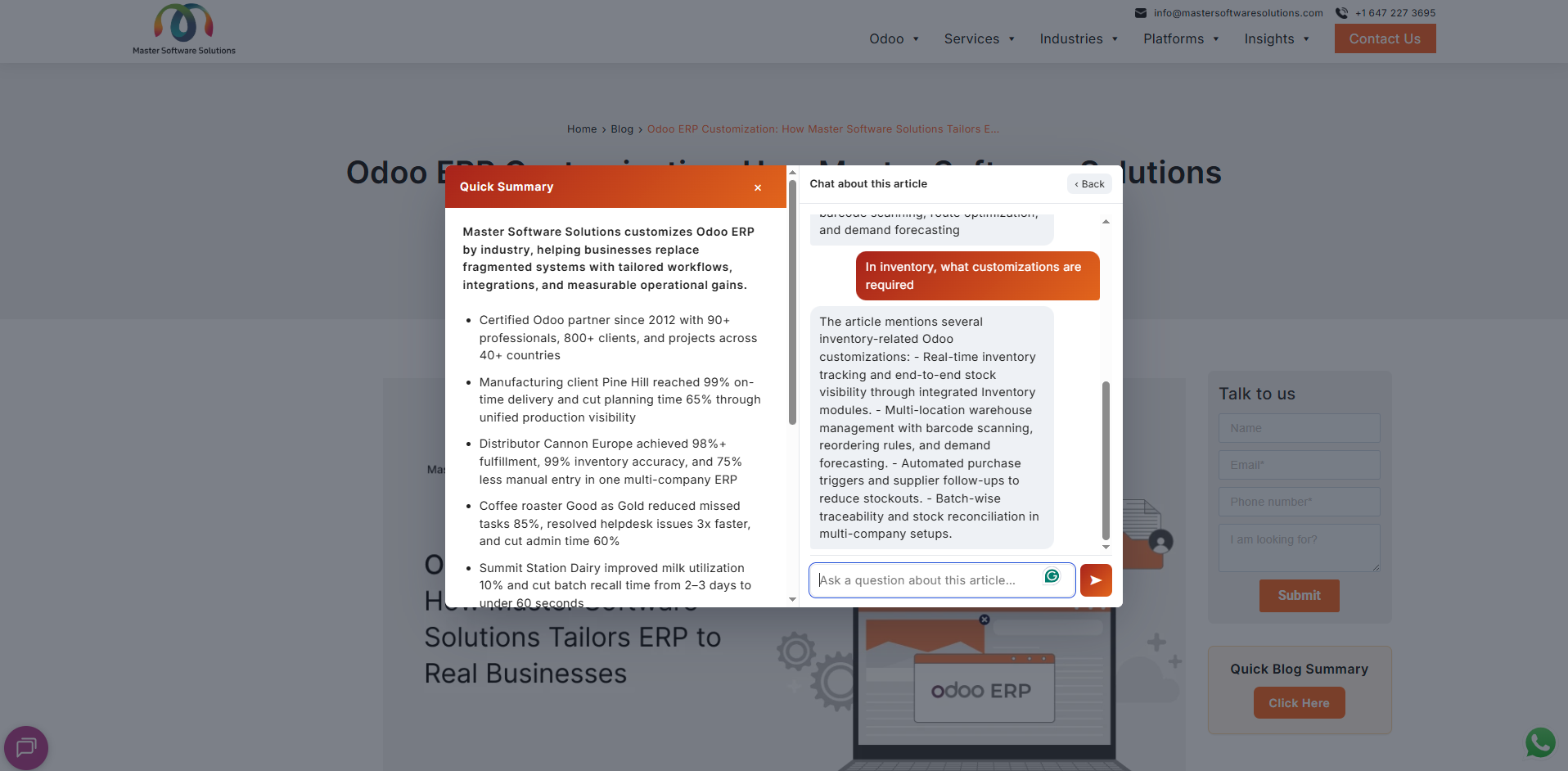
A pop-up shows a one-line TL;DR plus the article's key points as bullets, generated automatically, without leaving the page.
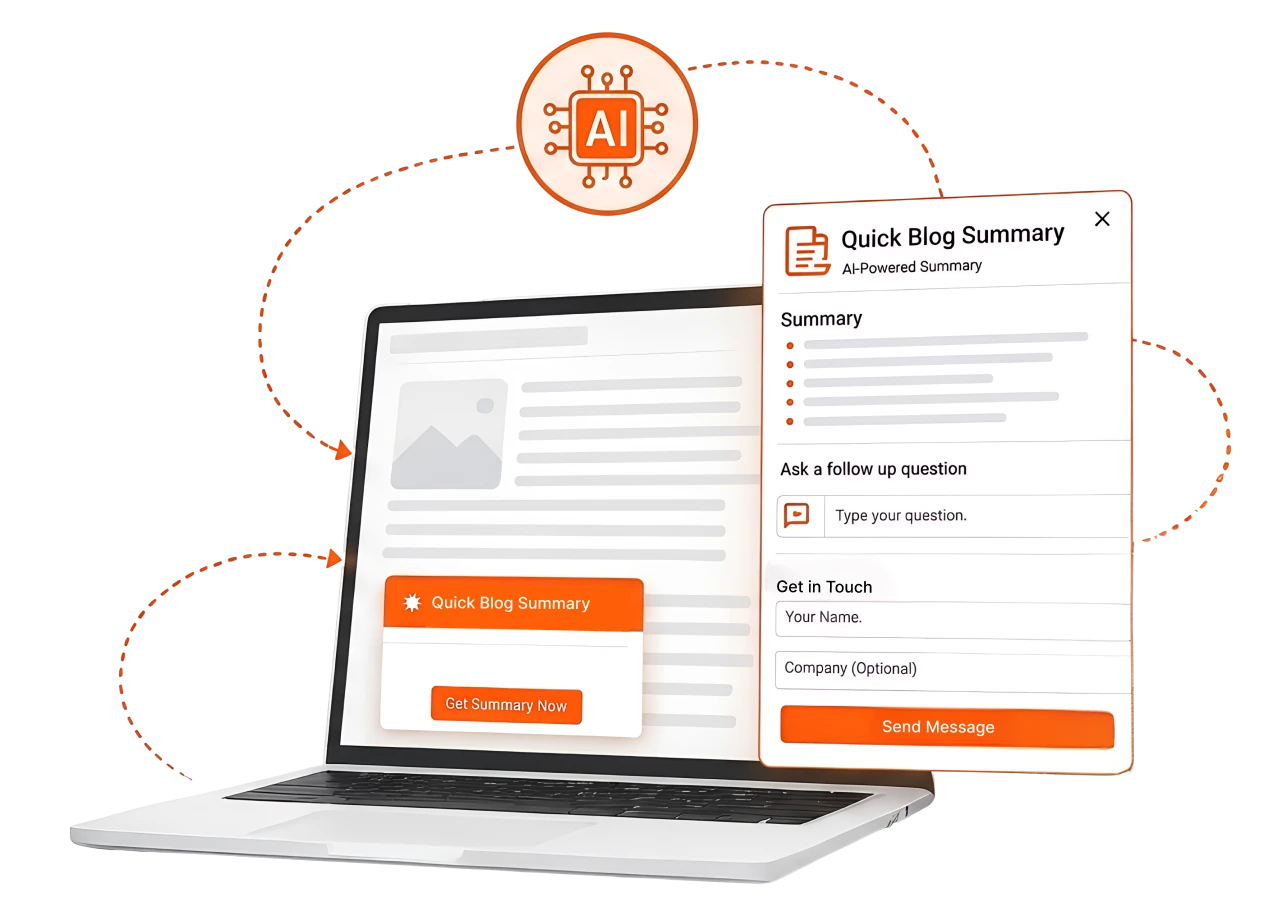
Quick Summary adds a small "Quick Blog Summary" card to your blog posts; one click opens an instant AI-written summary, a chat for follow-up questions, and a contact form, all in a single pop-up with no page reload.
Passive readers become engaged visitors, and engaged visitors become captured leads, on desktop, tablet, and mobile.
Founded
Professionals in our Team
Clients Served
Countries on Global Map
Everything happens on the same page: the reader never leaves the article, and their interest is captured at its peak.
A pop-up shows a one-line TL;DR plus the article's key points as bullets, generated automatically, without leaving the page.
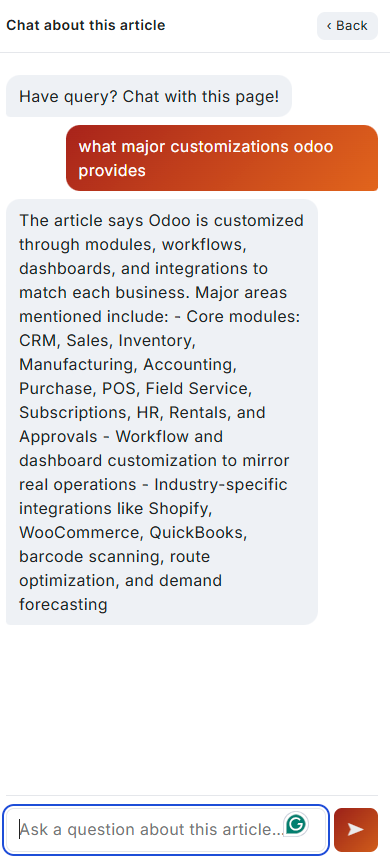
Readers switch to "Chat about this article" and ask anything; the assistant answers using only that article's content, so replies stay accurate and on-topic.
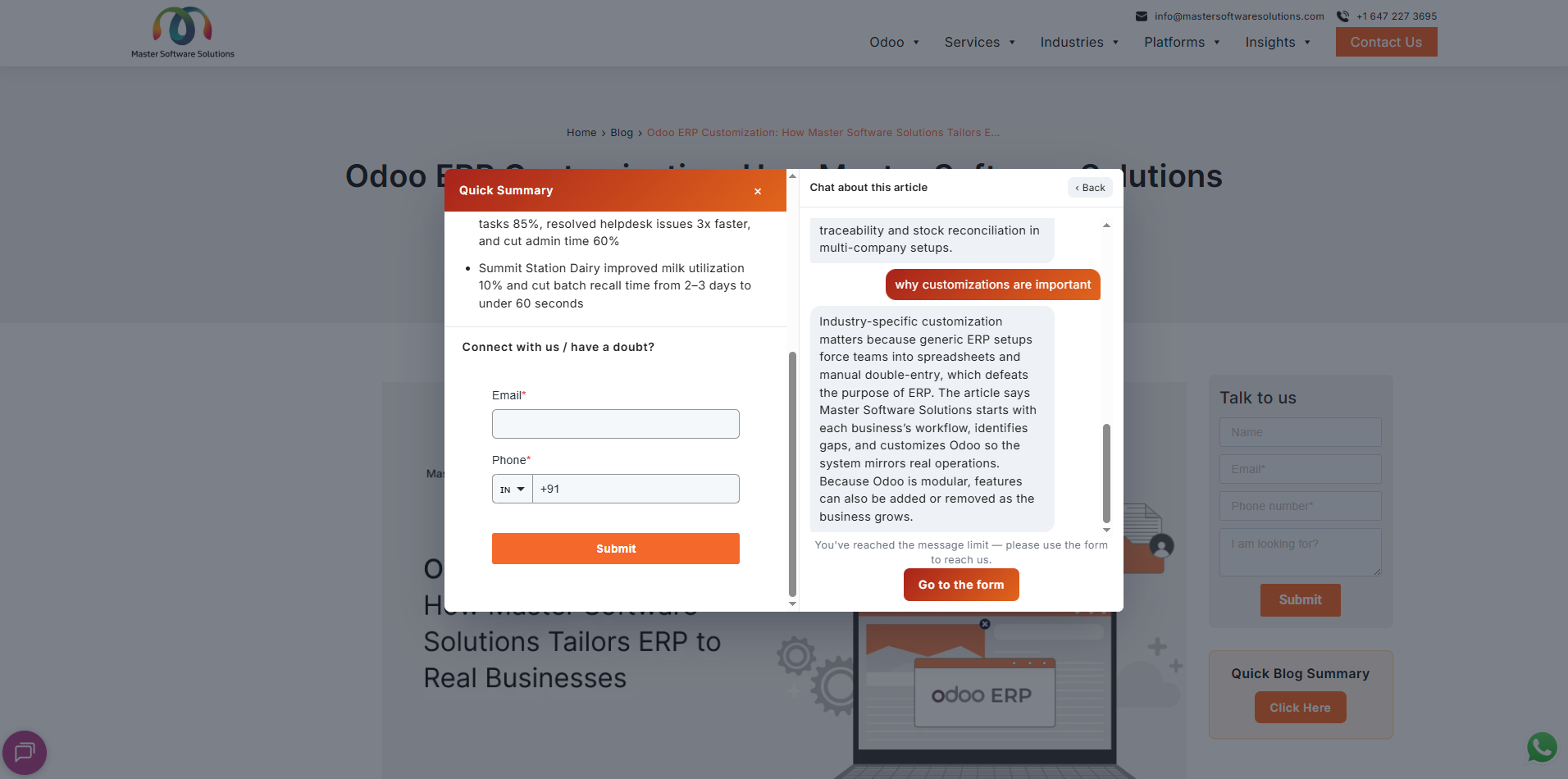
After a few questions (or any time), a contact form appears right inside the pop-up, interested readers reach you without hunting for a contact page.
Summaries are saved after the first view, so every subsequent reader sees them instantly.
Button text, headings, brand colors, gradient header, fonts, placement (sidebar, floating, inline, or anchored), summary style, chat limits, and form fields, all from one settings screen.
The AI runs on your own service; article content is never handed to a third-party consumer chatbot.
On phones the pop-up becomes a full-screen sheet; summary, chat, and form are comfortable to read and tap.
From curious click to captured lead, in one pop-up, on one page.
A compact "Quick Blog Summary" card sits on the blog post (sidebar on desktop, in-article on mobile). One click opens the pop-up with a TL;DR and key bullet points.
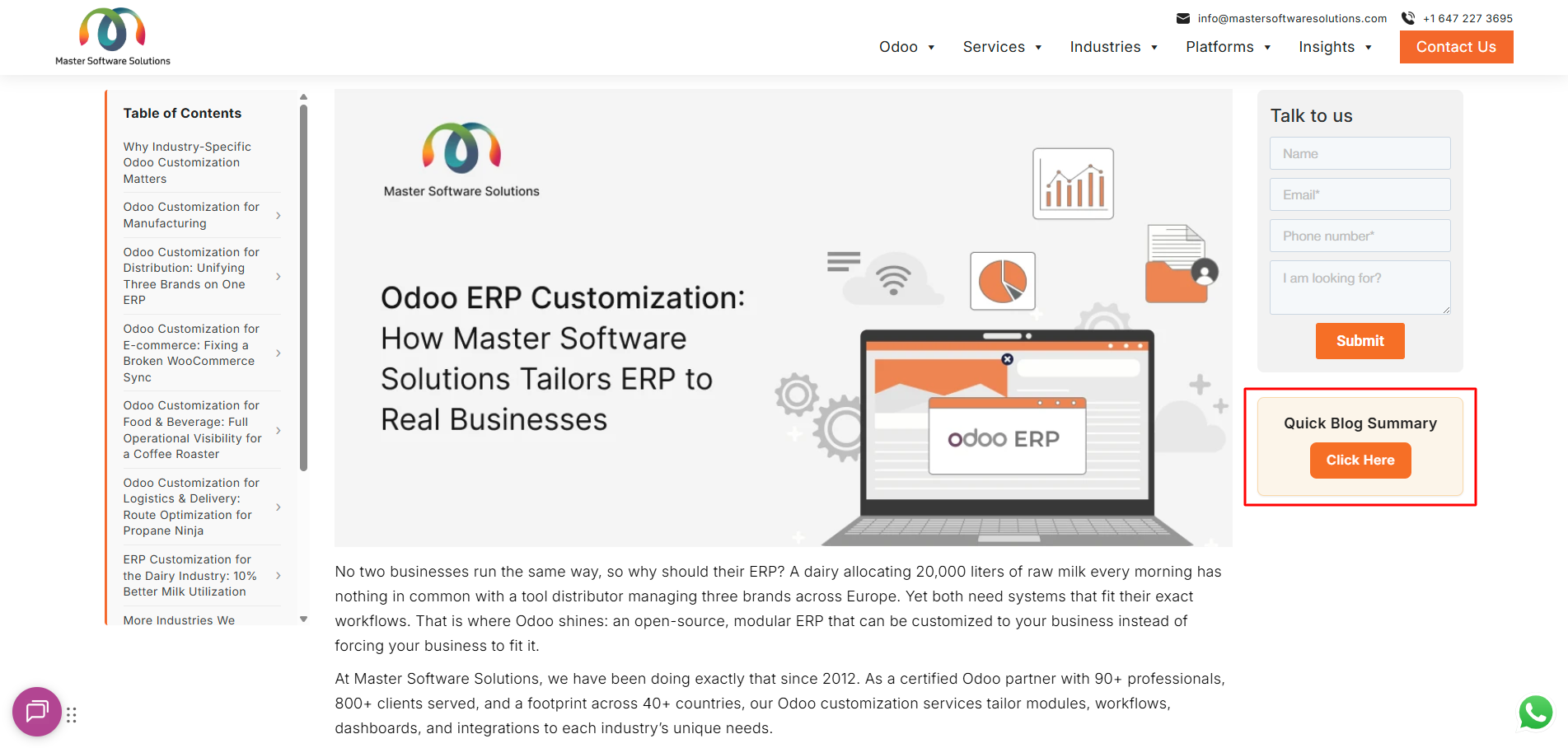
Clicking the button opens a pop-up that shows an AI-generated summary of the article: a one-line TL;DR at the top, followed by the key points as bullets. The reader never leaves the page.
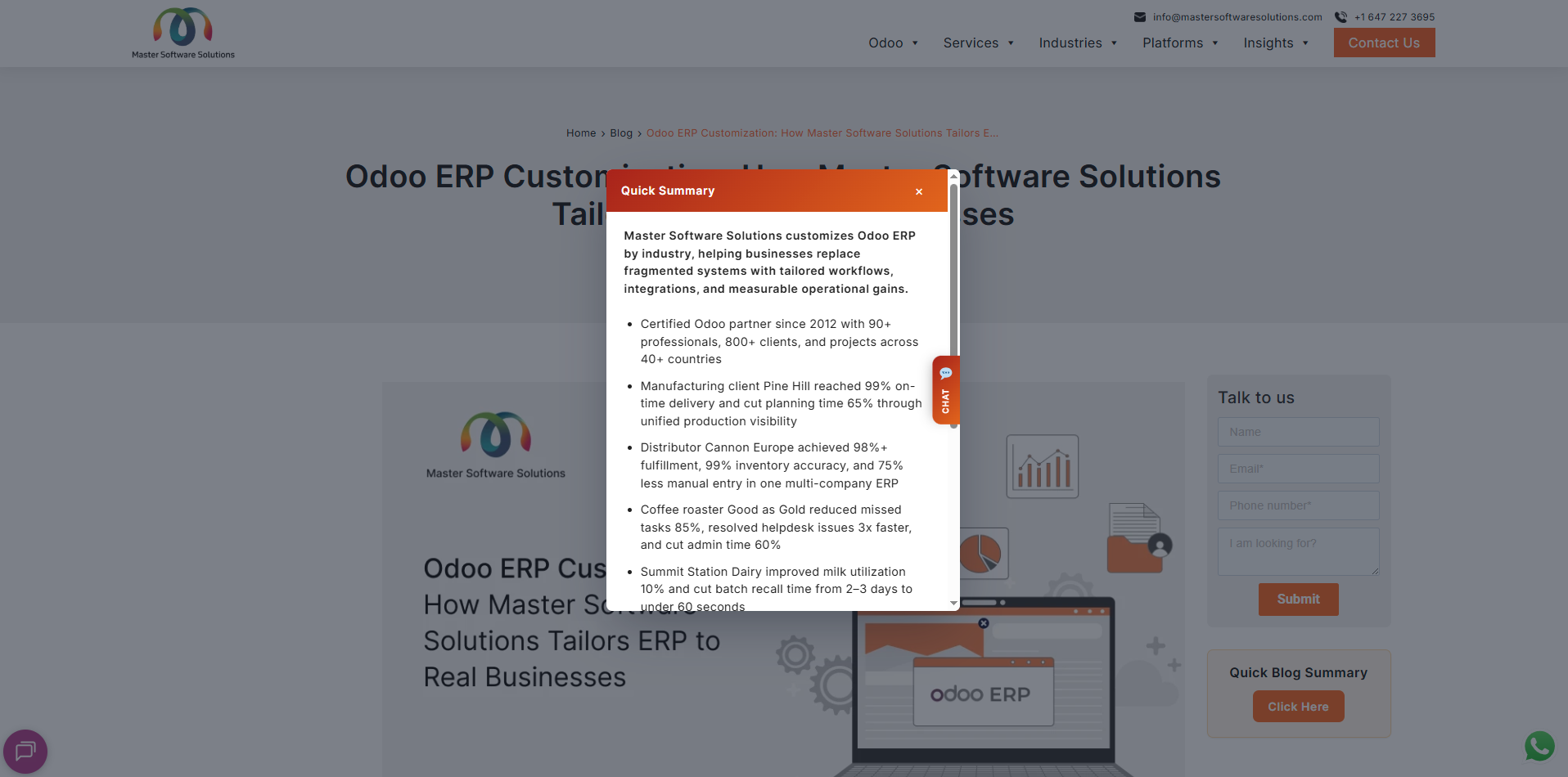
Readers can switch to "Chat about this article" and ask anything about the post. The assistant answers using only the content of that article, so answers stay accurate and on-topic.
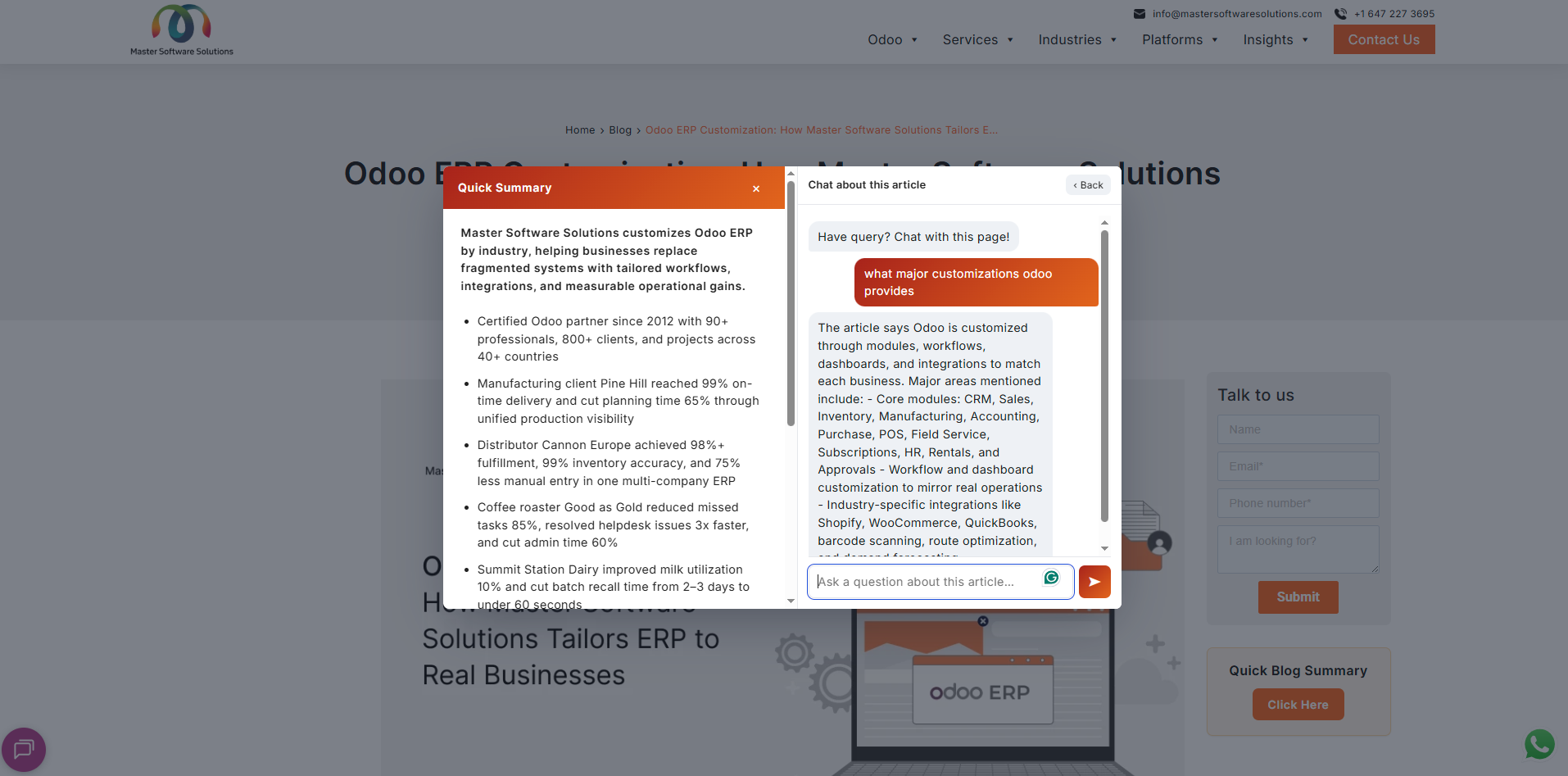
After a few questions (or any time), the reader is invited to get in touch. A contact form appears right inside the same pop-up, so an interested reader can reach the team without hunting for a contact page.
The whole experience adapts to the screen. On a phone the pop-up becomes a full-screen sheet so the summary, chat, and form are all comfortable to read and tap, no pinching or zooming.
Most blog traffic reads, skims, and leaves, anonymous forever. Quick Summary meets readers with instant value, keeps them engaged in conversation, and asks for their details at exactly the moment they're most interested.
Every article becomes a conversion point, readers reach your team from inside the post, no separate landing page needed.
A TL;DR and key points serve time-poor visitors who'd otherwise bounce and pull them deeper into your content.
Article-grounded chat resolves follow-ups on the spot, keeping readers on your site instead of searching elsewhere.
Self-hosted AI means your articles and reader interactions stay on your infrastructure and not with a third-party chatbot.
Colors, fonts, copy, and placement are tuned per site from the admin; the feature looks native because it is.
Install the plugin, connect the backend, and pick placement and colors; no custom development per site.
See a blog post summarize itself, answer a reader's question, and capture a lead — all in one pop-up, without a reload. Request a demo today.