Every Monday, the purchasing team repeats the same task. Supplier confirmations arrive as PDF attachments in a shared inbox. One team member opens each PDF, finds the matching purchase order in Odoo, and retypes the confirmed quantities and delivery dates manually. It is a slow process, and one typing mistake can lead to a wrong delivery or a wrong invoice.
Then one of the team members hears that a competitor’s ERP handles all of this on its own. The managing director of the purchasing team asks a question to their competitor: “ Is Odoo 20 really a reliable fix, or just a new version number?”
That question means whether to upgrade to Odoo 20 or not. Odoo 20 comes with advanced features that matter to businesses. It also brings costs & risks that are overlooked by businesses. This blog walks through what Odoo 20 offers against the pressure businesses face today & what you actually pay and risk to get there.
The Real Price of an Upgrade: Three Bills to Compare
An upgrade isn’t one cost; it’s three bills at different times, each with its own budget. Most businesses plan for the first bill & only find out the real price. Under Odoo’s Enterprise Subscription Agreement, a customer whose database runs on a version older than three of the most recent major versions has to pay an extra fee of 25% of the annualized price. Want to get detailed information on Odoo’s 25% legacy surcharge? For more information, read this guide.
The Upgrade Bill
The upgrade bill has no standard price, because it depends on what you have built on top of Odoo. Odoo’s own upgrade services usually cover standard apps & eligible customization for Enterprise customers. It does not cover in-house modules, custom integrations, data cleanup, or training. Want to explore more about the Odoo migration cost? The Odoo migration cost guide shows how to scope each part.
The Running Bill
This is the most important one that is left out of the business scope. The running bill comes with different prices for people who only need limited access to Odoo 20 or want to move towards a new Enterprise agreement
The waiting bill
Staying in the previous version costs businesses, as upgrading is not free. Odoo adds 25% to the annual Enterprise subscription for versions outside the three most recent releases, which are V15, V16 & V17 & the contract was signed after the July 2025 terms upgrade. Want to grasp the understanding of the surcharge, Odoo’s 25% legacy surcharge confirms the exact dates with Odoo.
How to Compare The Three
Line up the three bills over the next three years. Write each on one line:
The project cost: a one-time cost for the upgrade
The running cost: the yearly cost of using Odoo 20
The waiting cost: the yearly cost of staying where you are
Compare the totals, calculate which total is lower over the three years & weigh what you will gain with Odoo 20 for your business productivity.
| The upgrade bill | The running bill | The waiting bill | |
|---|---|---|---|
| What it is | The one-time project to move to Odoo 20 | What Odoo 20 costs to use once you are on it | What staying on your current version costs |
| What it covers | Data migration, reworking custom code, third-party module updates, integration changes, testing, training, and go-live support | Your subscription and plan, any change in user types, AI credits, and hosting | The legacy surcharge, the end of support, and a bigger jump later |
| What drives it | The number of versions you skip, the amount of custom code, Studio changes, third-party modules, database size, external integrations, and how much testing your business needs | How many users you have and which apps they use, how heavily you use AI features, and your plan type | Which version you are on and when your contract renews |
| When it hits | Once, during the project | Every month or year after the move | Every renewal, and again at the end of support |
| Who feels it | IT, operations, and the project budget | Finance, through the software budget | Finance and leadership, usually when the renewal bill arrives. |
| Easy to miss | Data cleanup, retesting after scope changes, and staff training | AI credits, which are billed separately from your user licenses | The surcharge, which can make staying more expensive than moving |
Five Business Pressures in 2026, and Where Odoo 20 Actually Helps
Odoo 20 has a long feature list, but only some of it fixes problems you actually have. Let’s discuss.
When Every Extra User Costs More
Odoo 20 comes with pricing changes. A new Light User type is aimed at people who need limited access: their own time off, expenses, attendance and appraisals, planning, and field service & barcode operations in inventory. The pressure behind it is on the custom plan, which rose 20 percent for new users & increases by 7 percent per year at renewal.
When Your Team Retypes What the Inbox Already Knows
This is the manufacturer’s Monday problem. However,. AI agents can create and update records, read uploaded files such as PDFs, and run when an automation rule fires or at a set time.
When Businesses Want Answers From Live ERP Data
Odoo 20 includes a native MCP server, which lets outside AI assistants connect to your Odoo database. User access rights still apply, and it is read-only by default. For businesses that want to ask “which customers are paying late this month?”, the assistant provides real-time data & it is the safest way to start.
When the Shop Floor and the System Disagree
For manufacturers, Odoo 20 adds continuous production so that the next operation starts only when the quality part is ready. It adds a weekly manufacturing order view and Kanban and Gantt views for work orders, as well as a traceability report. Field Service now sits inside planning and helps businesses with several entities get intercompany flows, where one company can resupply another through routes.
When Legacy Surcharge & Support Dates Do Not Support
Some pressure doesn’t come from a feature at all. It comes from support dates and a legacy surcharge. If you are on version 17 or older, this pressure may matter more than every feature.
What the Upgrade Will Touch: Permissions, History, and Accounting Labels
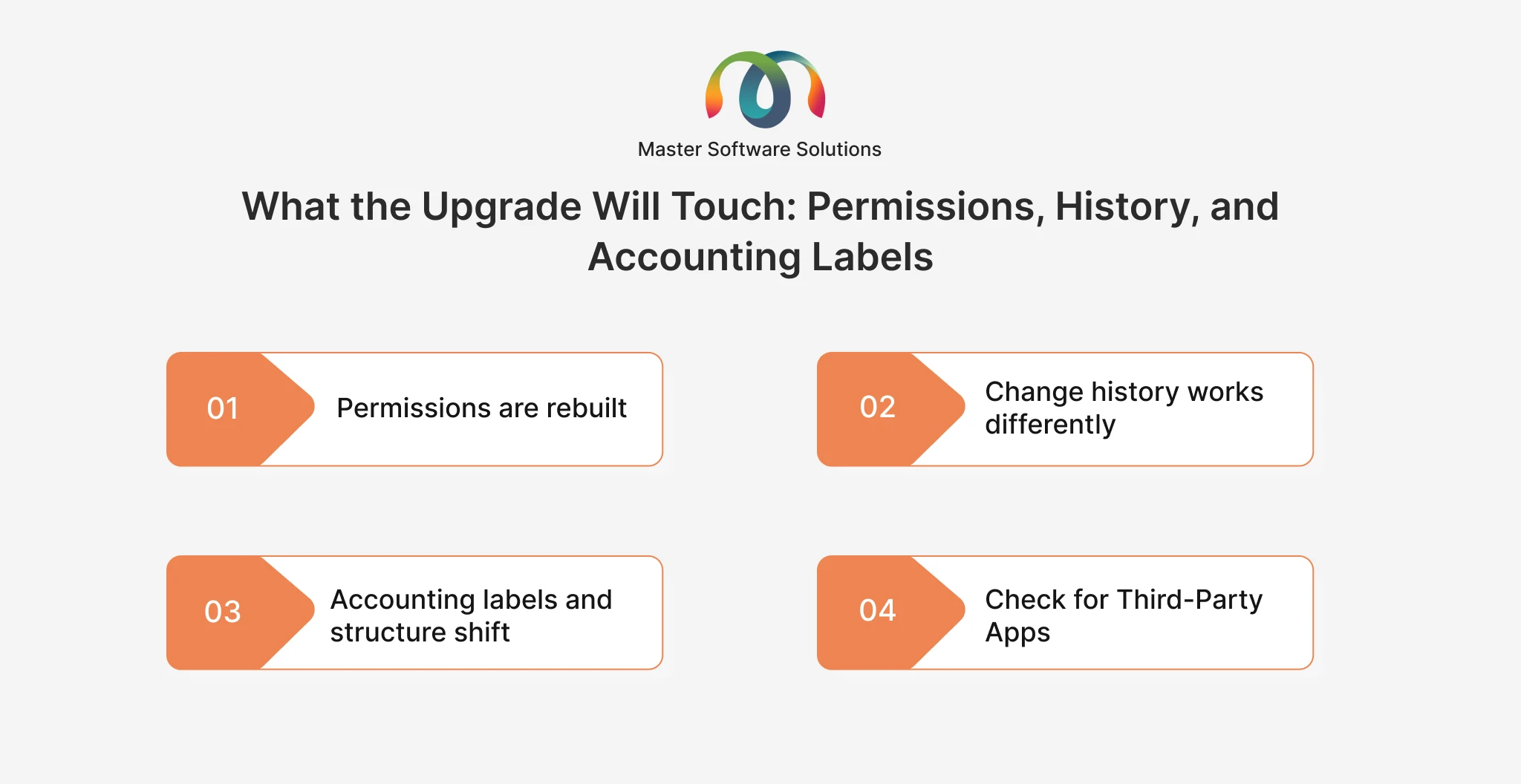
The Odoo 20 feature list gives clarity on what you gain. The upgrade bill depends on what you have built on top of Odoo. Three changes matter the most.
Permissions are rebuilt
Record rules will be removed, and domains sit directly on access rights. Any custom module that defines its own permissions has to be reviewed.
Change history works differently
Tracking values will be removed, and Chatter messages are generated without a real number. Reports that read the history of changes may break.
Accounting labels and structure shift
Account groups are replaced by major accounts. Payment statuses are relabeled, so “In Process” becomes “Paid” and “Paid” becomes “Reconciled.” Any filter, report, or integration that reads those statuses needs checking.
Check for Third-Party Apps
Look for your third-party apps and your country’s accounting rules. Apps built by others may not be ready for Odoo 20, and local tax or e-invoicing updates can arrive later than the main release.
The more you have customized, the larger the bill. Get the information on why Odoo customizations break after upgrades to get a clearer picture.
What It Costs to Stay Competitive: Support Dates and the 25% Surcharge
Odoo supports its three most recent major versions. With Odoo 20 released on 24 September 2026, that means versions 17, 18, and 19
| Version | Where it stands |
|---|---|
| 16 and older | Already out of support, and the surcharge applies |
| 17 | Leaves support with Odoo 20’s release |
| 18 | Supported until about October 2027 |
| 19 and 20 | Supported |
The surcharge is a sharper move. Odoo adds 25% to the annual Enterprise subscription for versions outside the three most recent releases, on contracts signed or renewed after its July 2025 terms update. For a business on an older version, staying can cost more than moving. Confirm the exact dates for your contract with Odoo.
If you are on versions 18 & 19, you are not in a hurry. For major changes between releases, explore the guide to Odoo versions and the comparison of Odoo 19 vs Odoo 18.
Is Odoo 20 Right for You?
Give your business the right direction compared to the older ones.
Reasons to go
- We are on version 17 or older.
- A team spends hours each week turning emails or documents into Odoo records.
- Many of our users need only a few apps, such as time off, expenses, attendance, or barcode scanning.
- Our manufacturing, inventory, or multi-company processes have a pain point that Odoo 20 addresses.
Things that slow you down
- We have many custom modules or Studio changes.
- We rely on third-party apps or integrations not yet confirmed for Odoo 20.
- We are close to a peak period, a year-end, or a financial close.
- We have no test environment, or nobody to own the project.
Upgrade One Process First, Not the Whole Business
The safest way to move to Odoo 20 is to prove it on one or two processes first, with the people who run them, and then decide how to roll out the rest.
How to run the first step
- Pick one or two processes that matter: Choose work that is important but easy to check, such as purchase-to-pay or month-end close.
- Test on a copy of your database: Test the upgrade on a copy and never on live data, so that nothing is at risk.
- Let the team check the work they do: Ask them to run real tasks and look at the results, including opening balances, reports, and integrations to take action accordingly.
- Decide based on real results: With real results in hand, choose the right solution that needs to be executed & fix the weak spots
What this gives you
- A realistic view of the effort and cost, based on your own data.
- Early warning of what breaks, while it is still cheap to fix.
- Confidence for the team, because they have used the new version before go-live.
- A clearer go or no-go decision, with evidence behind it.
The step-by-step Odoo migration process and top Odoo ERP migration strategies cover the options & give clarity about the step-by-step process & the strategies.
Conclusion
Odoo 20 is worth it when the problem is real, & a newer version number is not a reason to upgrade. For some businesses, upgrading to Odoo 20 is the right move because they are on an older version, they lose time to repeated manual work, and their custom code is easy enough to move. For others, the answer is “not yet,” as they are juggling between the prices.
Master Software Solutions is a trusted Odoo Silver partner headquartered in Toronto, Canada. Whether you want to upgrade to Odoo 20 or keep your business on Odoo 19, our team will help you with the right suggestion by creating roadmaps as per your business needs & perspectives.
Consult our team to get the desired solution.