Instant Overdue Alerts for Admins
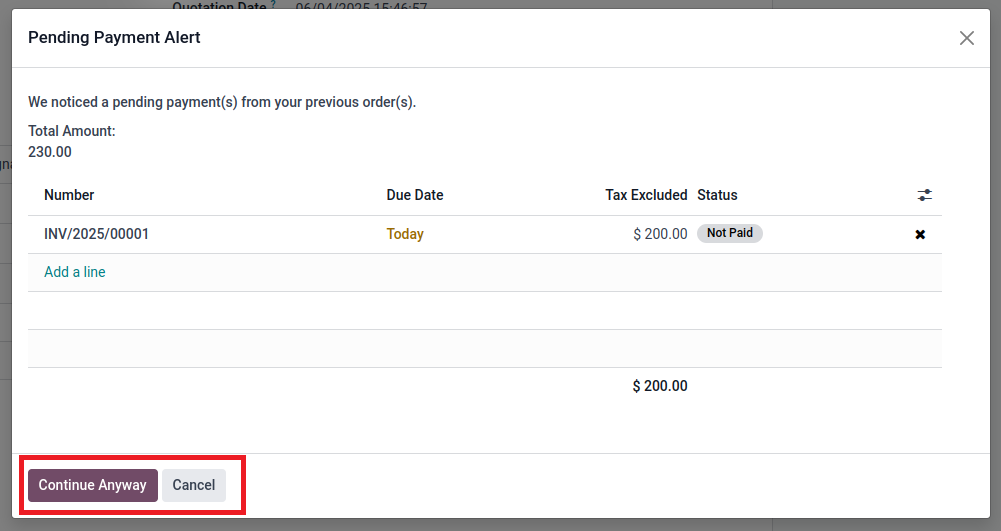
A pop-up appears while confirming a sales order for any customer with unpaid past invoices.

An Odoo plugin that pops up an instant alert about a customer's overdue invoices the moment a new order is placed, for both your team and the customer.
Admins see all pending invoices before confirming a sales order; website customers are prompted to clear their dues before checking out.
Founded
Professionals in our Team
Clients Served
Countries on Global Map
Instead of digging through reports to find out who owes what, the plugin automatically surfaces overdue payments as soon as a new order is created.
A pop-up appears while confirming a sales order for any customer with unpaid past invoices.
The alert lists every unpaid invoice for that customer; no report hunting is needed.
Admins can proceed with the order anyway or cancel and return to the quotation page.
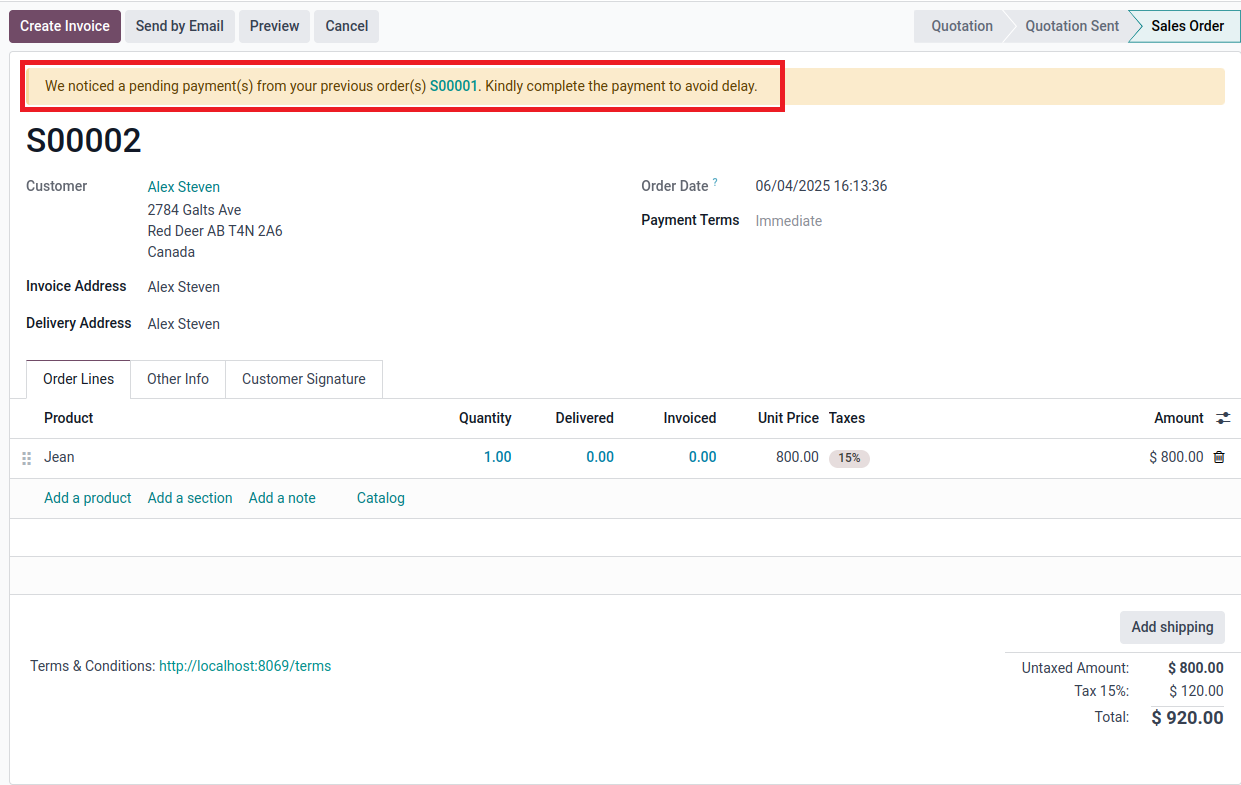
If you continue, the order page carries a notification about the pending payments to avoid delays.
Customers with past-due invoices are directed from the checkout page to a page displaying their outstanding balances.
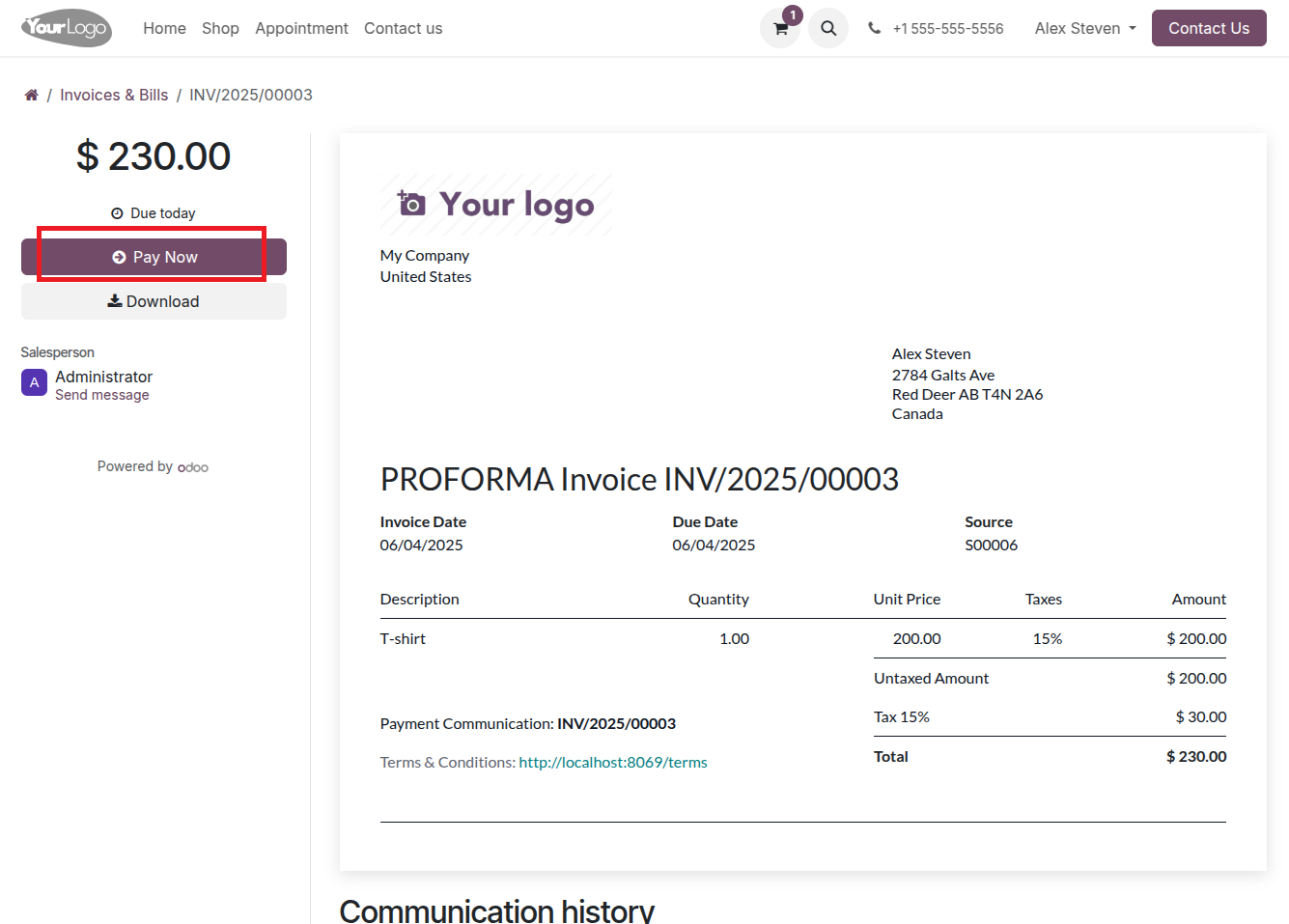
Customers click "Pay Now" and land directly on the pending invoice with the option to pay, then continue ordering.
Two flows, one goal: dues get seen and settled before new orders move ahead.
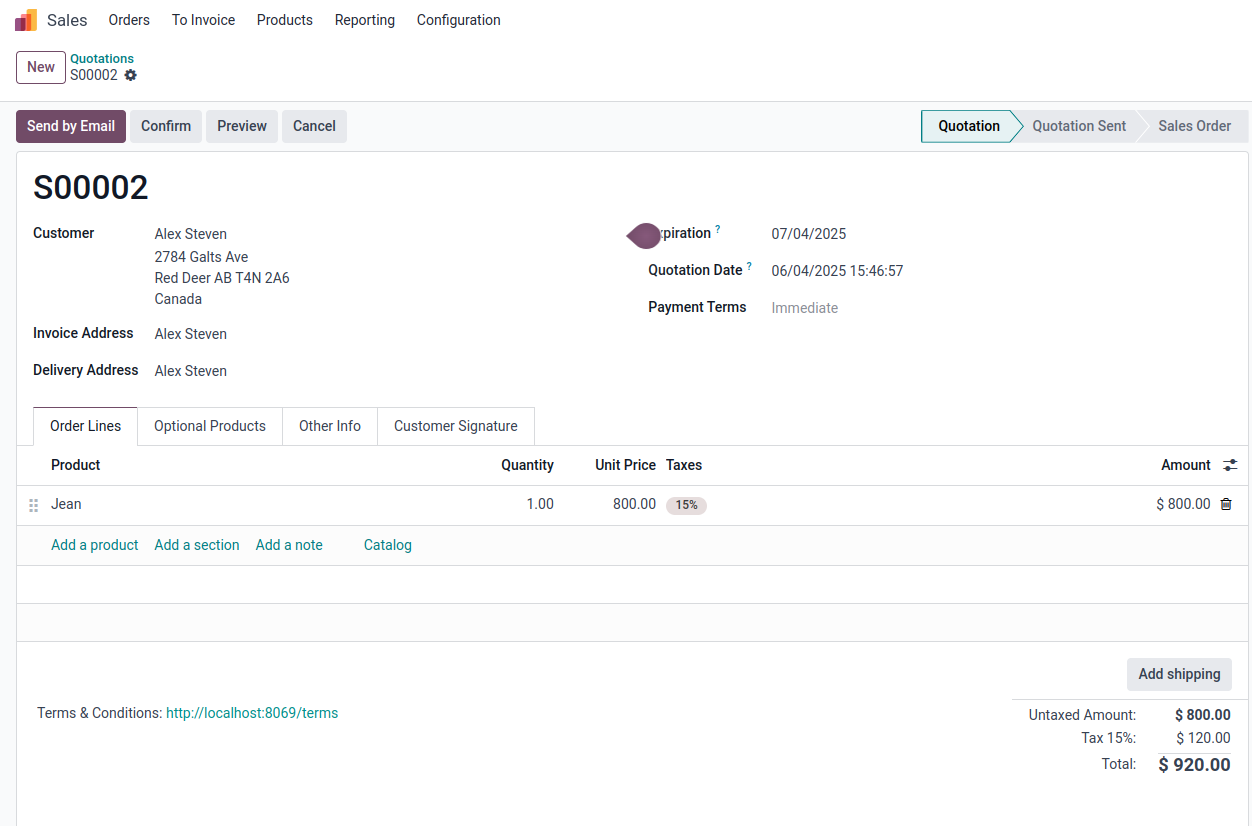
Create a new order for an existing customer as usual and click "Confirm."
If the customer has unpaid invoices, the overdue payment alert lists all of them; continue anyway or cancel.
Choosing to continue opens the sales order with a notification about pending payments from previous orders.
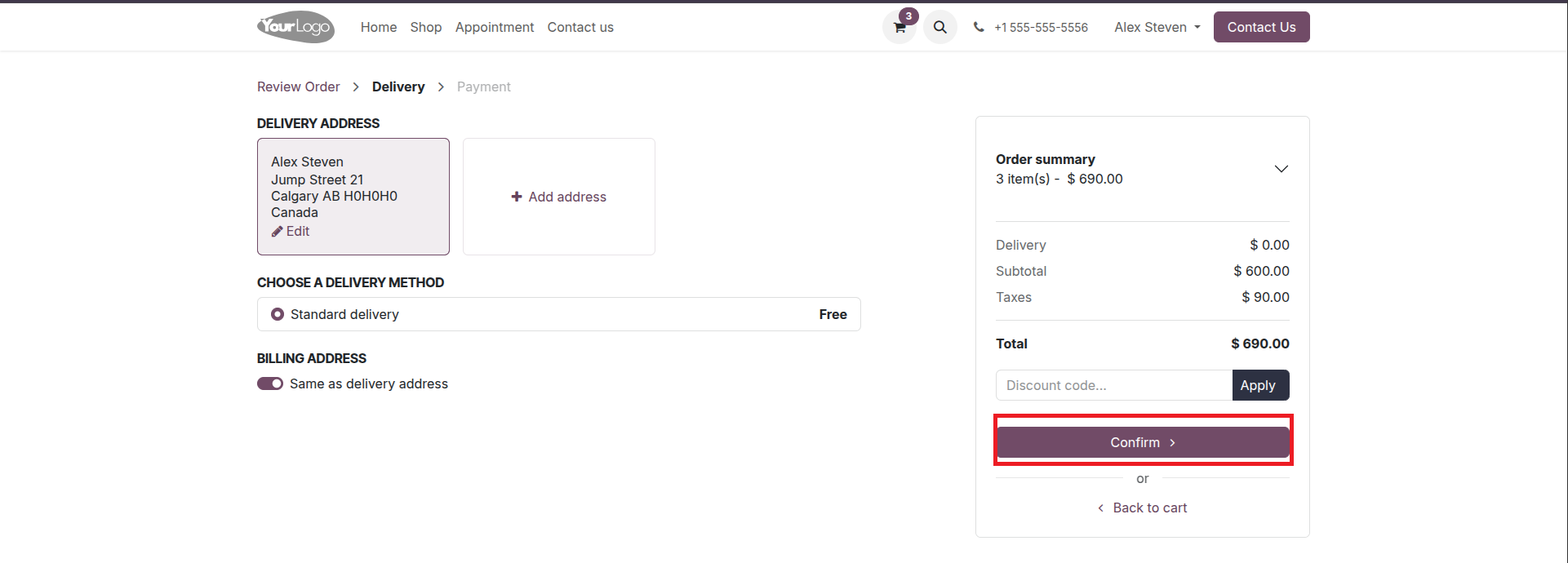
An existing customer with overdue invoices places an order on your website.
Instead of completing checkout, they see their pending amounts, with "Pay Now" or back-to-checkout options.
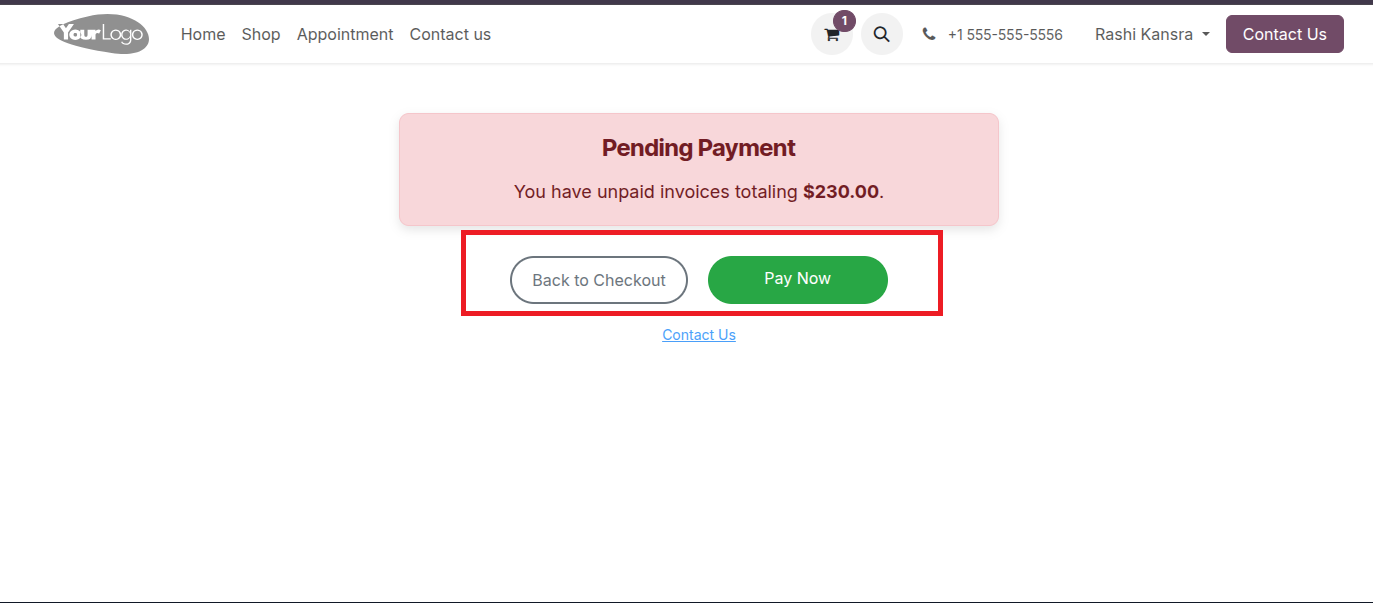
"Pay Now" takes them straight to the pending invoice to pay online, after which they can continue ordering.
Every new order placed on top of unpaid invoices deepens your receivables risk, and chasing dues after the fact costs time and goodwill. This plugin moves the payment conversation to the moment of the next order, when leverage is highest.
Dues appear when ordering, when customers are most likely to pay and keep their orders moving.
Growing balances get flagged before more goods go out the door, keeping exposure per customer in check.
Both your team and the customer see the same pending invoices clear, timely, and impossible to miss.
Instead of digging through aging reports, overdue payments are displayed instantly during order creation.
Customers settle dues themselves via "Pay Now" at checkout, collections that run without a single phone call.
The pop-up informs but never blocks your business, and the admins can always choose to proceed with an order when it makes sense.
See the overdue pop-up catch pending invoices on a live Odoo system in the backend and at website checkout. Request a live preview today.
mss_overdue_payment