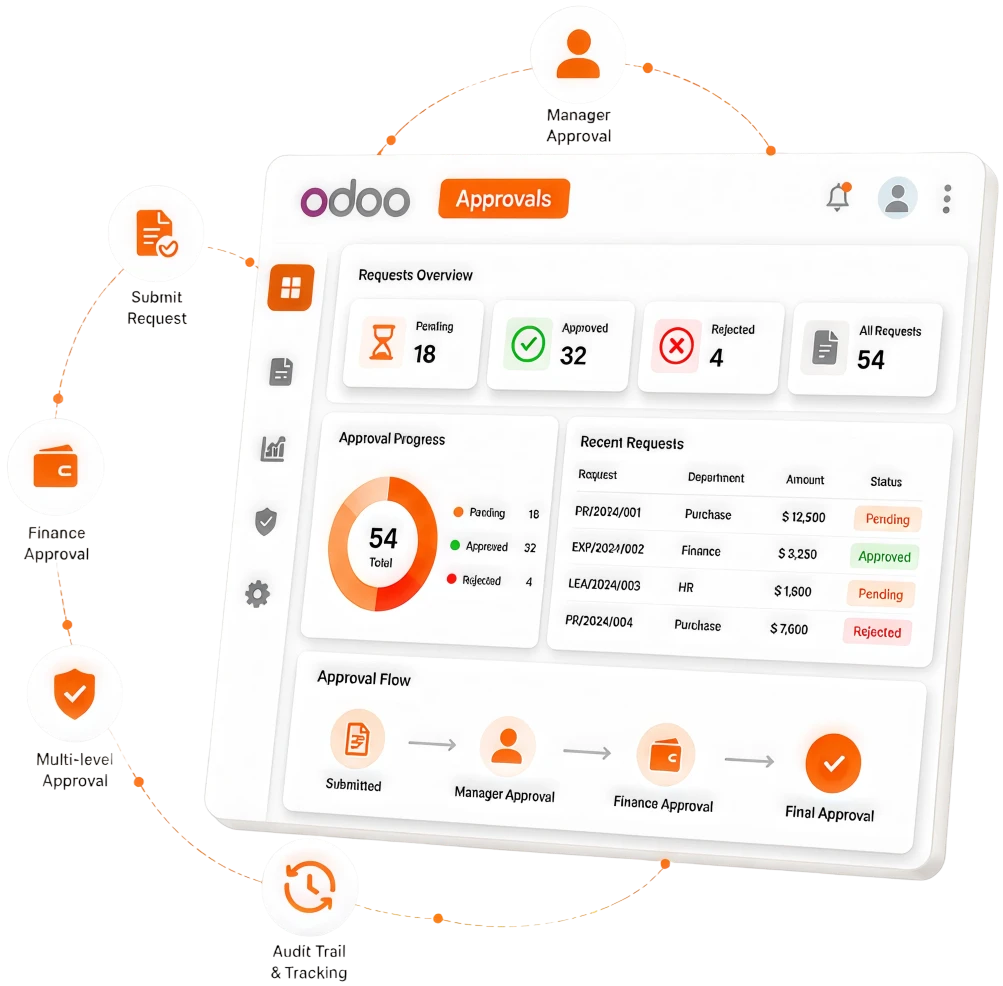
Key Features of the Odoo Approvals Module
From fully customizable approval types to multi-level routing rules, the Odoo Approvals module gives your team everything they need to run a faster, more controlled, and fully transparent approval operation.
Custom Approval Types
Create approval workflows for any business scenario, including purchase requests, capital expenditures, travel authorizations, contract sign-offs, HR policy exceptions, IT access requests, discount approvals, and more.
Multi-Level Approval Routing
Define single-level or multi-level approval chains for every request type. Route approvals by department, manager hierarchy, request value, product category, or any custom criteria.
Threshold-Based Approval Rules
Set value thresholds that determine the level of approval required. A line manager approves requests for a certain amount, while requests above that amount are escalated to the department head and finance.
Automatic Escalation and Substitution
Define time limits for each approval step. If an approver does not act within the specified timeframe, the request is automatically escalated to their manager or a designated substitute.
Real-Time Approval Status Tracking
Requesters can see exactly where their request is at all times, who has it, whether it has been reviewed, and what the decision was. Approvers see everything waiting for their action in a single, prioritized queue.
Email and In-App Approval Notifications
Approvers are notified instantly when a new request requires their attention by email and within the Odoo interface. Requests can be approved or denied directly from the email notification, allowing managers to act on approvals.
Approval Request Forms with Custom Fields
Each approval type has its own structured request form with the fields relevant to that request — amount, justification, supporting documents, supplier details, dates, and any other information the approver needs to make a decision.
Document Attachment and Reference Linking
Requesters attach supporting documents, including quotes, contracts, invoices, and policy documents, directly to the approval request. Approved requests can be linked to the resulting purchase order, expense claim, or HR record.
Approval History and Audit Trail
Every approval action, such as submission, review, approval, refusal, escalation, or comment, is timestamped and stored permanently against the request record.
Delegated Approval Authority
Approvers can delegate approval authority to a colleague for a set period, such as during leave, travel, or periods of high workload, without losing visibility or control.
Reporting and Approval Analytics
Real-time dashboards track approval volumes by type, average approval time, overdue requests, refusal rates, and approver activity.
Integration With Operational Modules
Approval requests raised in Purchase, Expenses, HR, and Inventory are managed through the Approvals module, giving the business a single, consistent approval experience.