Odoo Enterprise is a core system for many businesses, especially when deployed on-premise for greater control over data and infrastructure. As new Odoo versions are released and business needs change, database migration becomes necessary to maintain performance, security, and system stability.
Migrating an on-premises Odoo database is more than just moving data. It requires proper planning, version compatibility checks, handling custom modules, and thorough testing to avoid downtime or data issues.
This blog explains the key steps, challenges, and best practices for a successful on-premise Odoo Enterprise database migration.
Understanding on-premise Odoo Enterprise deployments
On-premise Odoo Enterprise deployments are hosted entirely on an organization’s own servers or private infrastructure. Unlike Odoo Online or Odoo.sh, the business is responsible for managing the server, database, security, updates, and backups.
On-premise setups typically include the Odoo application server, a PostgreSQL database, and a filestore for attachments and documents. This deployment model offers greater control over data, customization, and compliance, making it a preferred choice for organizations with strict security or regulatory requirements.
However, with this control comes added responsibility. System maintenance, performance tuning, and database migrations must be carefully planned and executed to ensure business continuity and system reliability.
Reasons to migrate from an on-premise Odoo database
There are various reasons why organizations choose to migrate their on-premise Odoo database. One of the primary drivers is upgrading to a newer Odoo version to access improved features, better performance, and enhanced security. Here are the reasons to migrate from an on-premise Odoo database.
Version upgrades
Odoo releases new versions regularly with improved features, performance enhancements, and security fixes. Older versions eventually lose official support, making it necessary to stay secure and compatible with newer technologies.
Hardware refresh or OS changes
Organizations must migrate to a new infrastructure as their servers age or operating systems become incompatible. Migrating the Odoo database ensures the system runs reliably on updated hardware and supported operating systems.
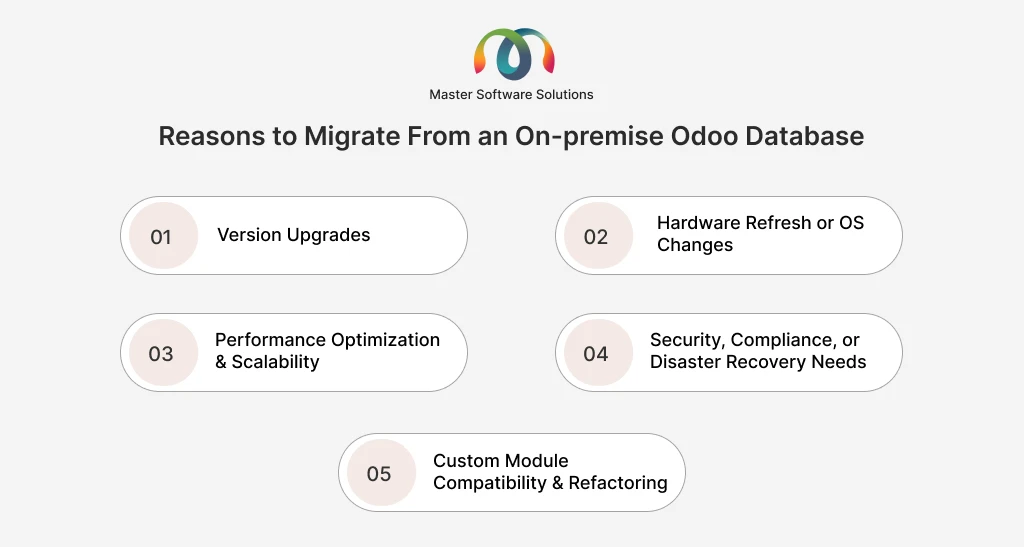
Performance optimization and scalability
Older systems may become slower due to increasing data volumes and user activity. Database optimization, better server configurations, and increased scalability to support business expansion are all made possible by migration.
Security, compliance, or disaster recovery needs
The database environment is frequently changed due to new security standards, compliance requirements, or improved backup and recovery strategies. Migration helps strengthen data protection and reduce operational costs.
Custom module compatibility and refactoring
Custom and third-party modules may become outdated or incompatible with newer Odoo versions. Migration allows you to update, refactor, or remove custom code, ensuring long-term stability and maintainability.
End-to-end on-premise Odoo migration process
An end-to-end on-premise Odoo migration requires a structured approach to minimize risk, avoid data loss, and ensure business continuity. Each phase of the migration plays a critical role, from defining the scope to post-go-live monitoring. A well-planned process helps organizations migrate efficiently while maintaining system stability and performance. Here is an end-to-end on-premise Odoo migration process.
Migration scope and impact assessment
This phase defines what will be migrated and how the migration will affect the business. It includes identifying Odoo modules, customizations, integrations, database size, and filestore data. The impact on users, system downtime, and business operations is also assessed to reduce risk and set realistic expectations.
Pre-migration planning and preparation
Proper preparation is critical for a successful migration. This step involves auditing custom modules, ensuring version compatibility, reviewing the current system, and creating complete backups of the filestore and database. A test environment is set for migration validation before going to production.
Migration approaches for on-premise Odoo
There are different ways to rate an old-premise Odoo database. Organizations can migrate in place or create a parallel environment. This approach may involve manual migration, automated scripts, or Odoo’s official migration services, depending on the system’s complexity and target version.
Testing and validation
After migration, thorough testing ensures the system works as expected. This includes checking custom modules, testing business workflows, confirming performance, and validating data and accuracy. User acceptance testing (UAT) helps confirm that the system meets operational requirements.
Go-live and post-migration activities
Once testing is complete, the system is moved to production. This includes final data synchronization, switching users to the new system, and monitoring performance. Post-migration activities involve resolving issues, optimizing the system, and confirming backups and monitoring are in place.
Common challenges businesses face during on-premise Odoo migration
Odoo on-premise migrations often face technical and operational challenges that can impact data accuracy, system stability, and business continuity. Most issues arise from insufficient planning, limited testing, or overlooked dependencies. Understanding these common challenges in advance helps organizations reduce risk and ensure a smoother migration. Here are the common challenges faced by businesses during on-premise Odoo migration.
Data inconsistencies and missing records
Data inconsistencies can occur when records are not fully migrated or when relationships between tables are disconnected during the process. This often happens due to custom data structures or incomplete migration scripts. To avoid this, data validation checks and record comparisons should be performed before and after migration.
Custom module incompatibilities
Custom modules built for older Odoo versions may not work correctly in newer versions. Changes in Odoo’s framework, APIs, or data models can cause errors or system failures. Reviewing, updating, and testing custom modules early in the migration process helps prevent these issues.
Performance regressions
After migration, the system may perform more slowly due to unoptimized database queries, outdated configurations, or increased data volume. Finding bottlenecks requires server tuning and performance testing. Optimizing indexes and reviewing logs can significantly improve post-migration performance.
Underestimating testing effort
Many migration problems don’t appear during routine checks, only during actual business workflows. After going live, there is a higher chance of critical failures due to limited testing. Allocating enough time for functional, integration, and user acceptance testing helps ensure system reliability.
Lack of rollback plans
Without a rollback plan, recovering from a failed migration becomes difficult and risky. Unexpected issues can lead to extended downtime or data loss. Maintaining verified backups and a clear rollback strategy ensures the system can be restored quickly if needed.
Best practices for successful Odoo On-premise migration
A successful on-premise Odoo migration depends on following proven best practices that reduce risk and ensure system stability. These practices help maintain data integrity, minimize downtime, and support long-term maintainability. Applying them consistently leads to a smoother migration and a more reliable Odoo environment. Here are the best practices to adopt for a successful Odoo on-premise migration.
Version-by-version migration strategy
Migrating sequentially between Odoo versions ensures compatibility with database structures and custom modules. Skipping versions increases the risk of data issues and broken functionality. A step-by-step approach provides better control and easier troubleshooting.
Documentation and change management
Clear documentation helps track system changes, customizations, and migration decisions. Proper change management ensures stakeholders are informed, and users are prepared for system updates. This reduces confusion and operational disruptions after going live.
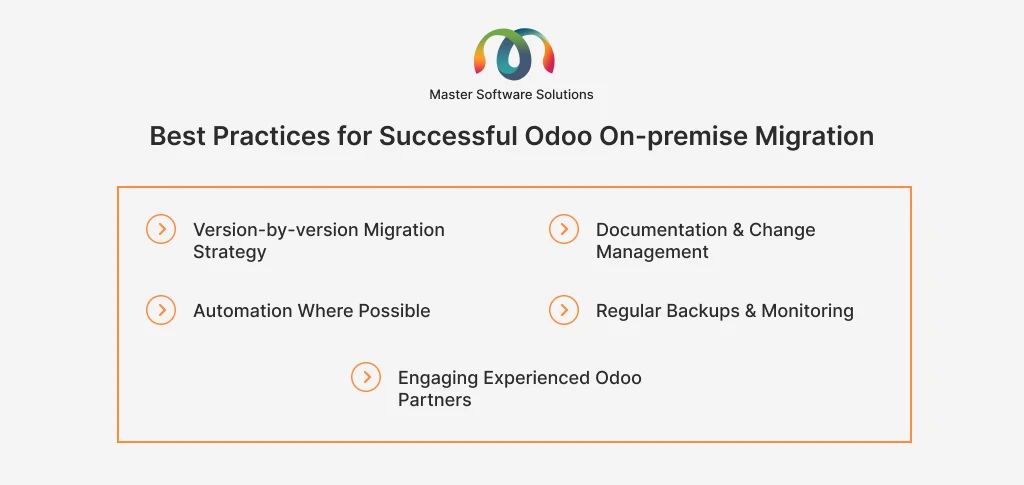
Automation where possible
Using scripts and automation tools reduces human error and accelerates the migration process. Automated data checks, module updates, and deployment steps improve consistency. This is especially valuable for large or complex Odoo databases.
Regular backups and monitoring
Frequent backups protect against data loss during and after migration. Continuous monitoring helps identify performance issues or errors early. Together, they ensure system reliability and faster recovery in the case of problems.
Engaging experienced Odoo partners
Experienced Odoo partners bring technical expertise and proven migration frameworks. They help manage complex customizations and avoid common pitfalls. Partner support significantly improves migration success and reduces risk.
Conclusion
Migrating an on-premise Odoo Enterprise database is a critical process that requires careful planning, technical expertise, and thorough testing to ensure business continuity. From assessing migration scope to post-go-live optimization, each step is important to reducing risk and ensuring system stability.
Master Software Solutions has extensive experience with Odoo Enterprise migrations, enabling organizations to confidently manage version upgrades, complex customizations, and infrastructure changes. Our structured migration approach ensures data integrity, minimal downtime, and long-term system performance.
If you are planning an on-premise Odoo migration or need expert guidance, contact us today to discuss your requirements and ensure a smooth, secure, and successful Odoo migration.